Build with AI
Credits per turn
How AI turns are counted on Lyna models, what makes a turn cost more, and how to spend fewer credits.
Each turn on a Lyna model uses part of your AI allowance. On the Free plan, a turn counts as one chat for the day. On Pro, a turn uses credits based on how much work the model does.
How a turn is counted
| Your setup | What a turn uses |
|---|---|
| Free plan, Lyna Free | One of your daily chats |
| Pro plan, a Lyna model | Credits, based on the text the model reads and writes |
| Any plan, a connected provider | Your provider subscription or API key. No Lyna credits. |
What makes a turn cost more on Pro
- The model tier. Lyna Free costs the least, Lyna Pro more, Lyna Max the most. The picker shows the multiplier: 1x, 2x, 3x.
- The context. The AI reads your message, the conversation so far and the files it needs. Long conversations cost more per turn.
- The work. A turn that edits many files and runs many steps writes more text.
- Generated media. Image and video generation use credits too.
Content the model has already read in the same conversation is often cheaper the second time.
Spend fewer credits
- Start a new chat for a new topic, with
/clearor New Chat. - Use
/compactto summarize a long conversation. - Be specific. Name the page, component or file you mean.
- Use Lyna Free for small edits and a higher tier for hard work.
- Use Plan mode first for big changes, so the build turn goes straight to the right files.
Watch your usage
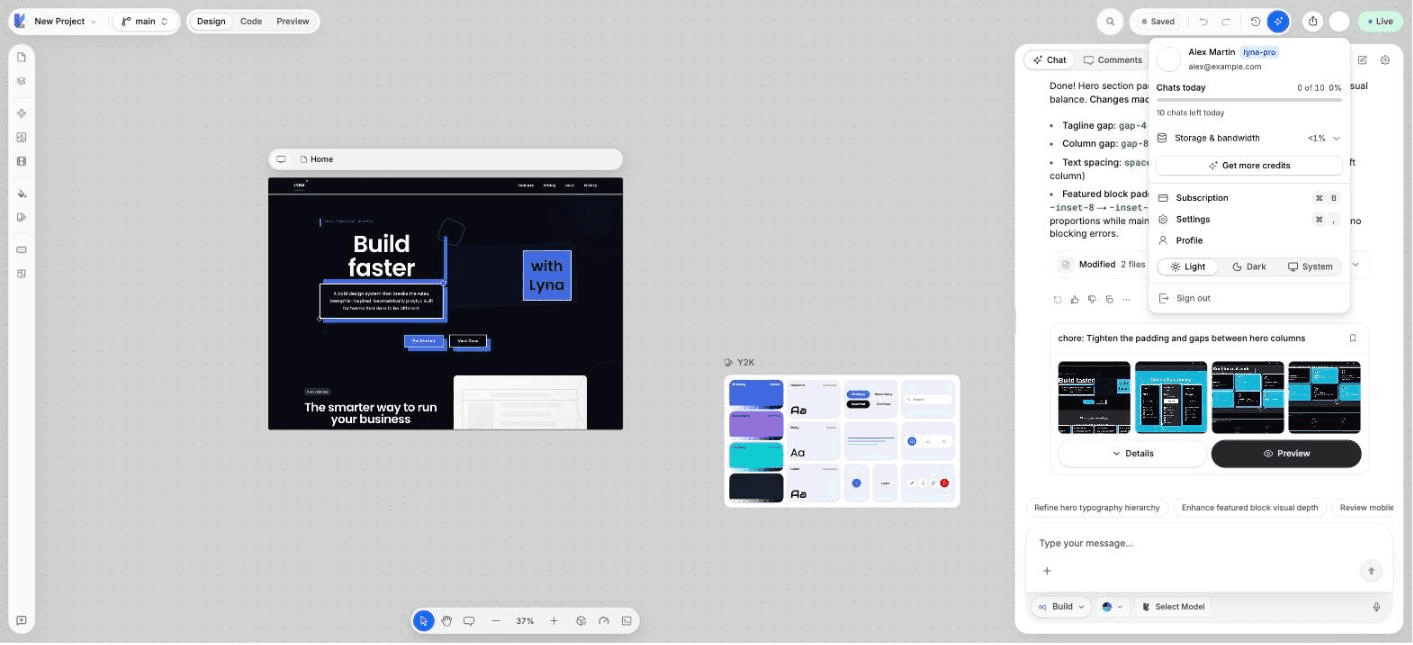
The projects page sidebar and the account menu show your Credits this month. Choose Get more credits when you need more.