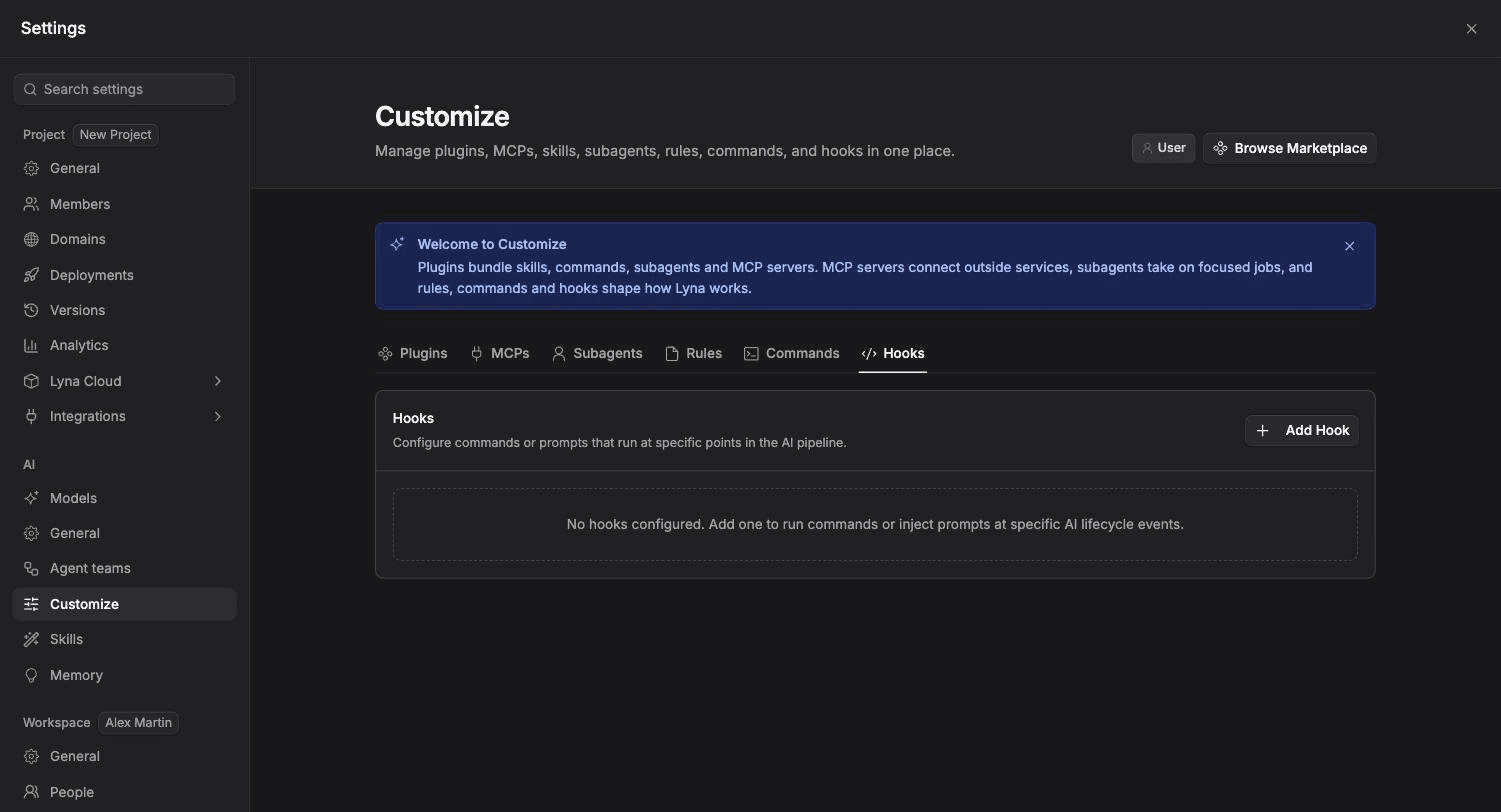
Hooks
Run a command or add an instruction automatically at set moments, such as after the AI edits a file or when a task is done.
Hooks react to events in a chat session. A hook either runs a shell command in your project's sandbox, or adds an instruction for the AI.
What you can do
- Run a check, such as lint or type checking, after every edit.
- Remind the AI of a rule at the moment it matters.
- Turn a hook off without deleting it.
Hook types
| Type | What it does |
|---|---|
| Command | Runs the text as a shell command in the sandbox, for example bun run lint. |
| Prompt | Adds the text as an instruction for the AI. |
Events
| Event | When it runs |
|---|---|
| Pre Tool Use | Before the assistant uses a tool. |
| Post Tool Use | After a tool finishes. |
| Pre Send | Before a request is sent to the model. |
| Post Send | After the model responds. |
| Session Start | When a chat session starts. |
| Session End | When a chat session ends. |
| Task Created | When a task is created. |
| Task Completed | When a task is completed. |
| File Changed | When a file is created, edited or deleted. |
| User Prompt Submit | When you submit a message. |
| Pre Compact | Before the conversation is summarized. |
| Post Compact | After the conversation is summarized. |
| Sub-agent Start | When a sub-agent starts. |
| Sub-agent Stop | When a sub-agent stops. |
| CWD Changed | When the working directory changes. |
Add a hook
Open Hooks
Open Settings > AI > Customize and pick the Hooks chip. Choose Add Hook.
Configure it
Pick the Event and the Type, then write the Command or the Prompt Text. Add an optional description, such as "Run linter after AI edits".
Save and test
Save the hook. It runs the next time its event happens. To pause it, turn it off in the list, or type /hooks in the chat and toggle it.
The hooks file
Hooks are stored in .lyna_ai/hooks.json in your project:
{
  "hooks": [
    {
      "event": "PostToolUse",
      "type": "command",
      "command": "bun run lint",
      "description": "Lint the project after each edit",
      "enabled": true
    },
    {
      "event": "UserPromptSubmit",
      "type": "prompt",
      "command": "Keep changes minimal and update tests in the same change.",
      "description": "Remind the assistant of the working agreement",
      "enabled": true
    }
  ]
}
Keep command hooks fast
Command hooks run inline and hold the turn until they finish. A slow command slows every turn.