Knowledge and memory
Give the AI lasting context. Write project knowledge once, and review what the AI remembers about you and your project.
Knowledge is what you tell the AI to remember. Memory is what the AI learns on its own while you work. Both carry over from one conversation to the next.
What you can do
- Write project guidelines the AI keeps in mind on every edit.
- See when the AI recalls a memory during a turn.
- Review, edit and delete the AI's core and archived memories.
- Clear all memories of a project.
Project knowledge
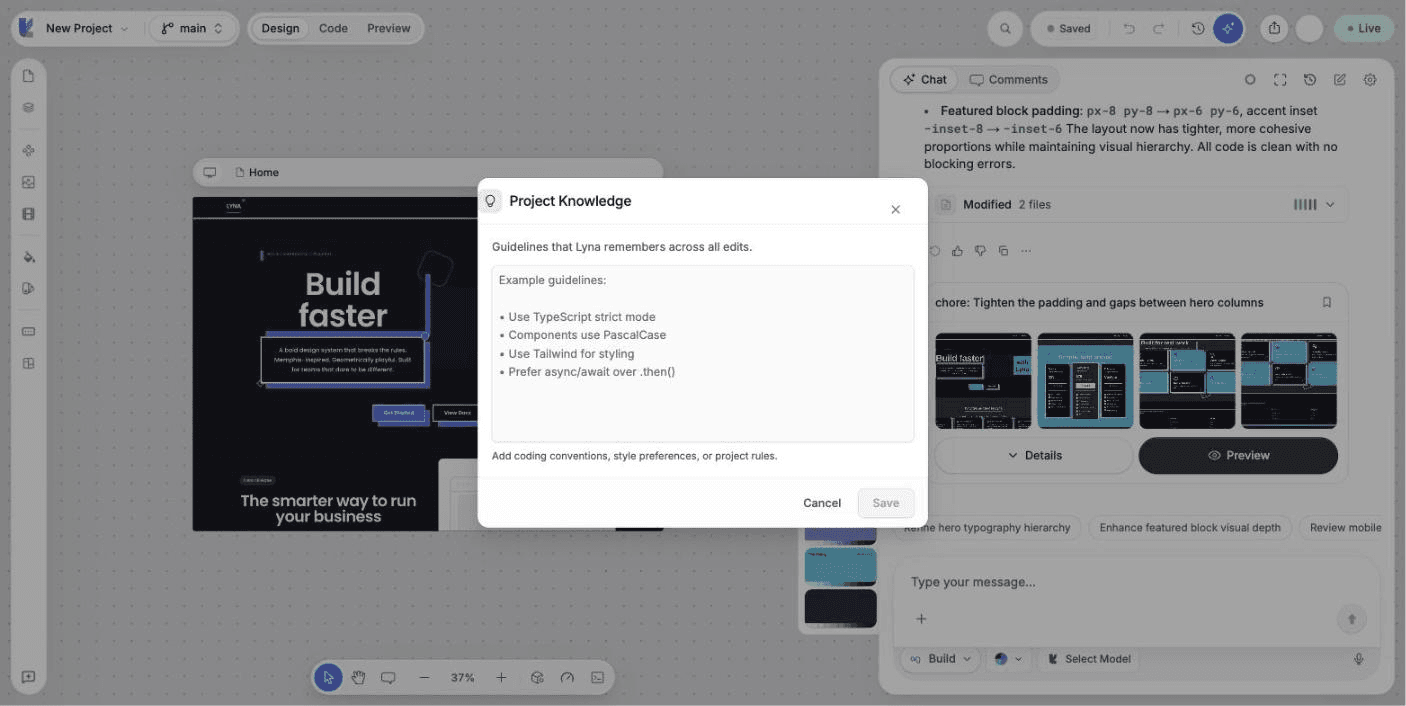
Project knowledge holds guidelines that Lyna remembers across all edits: coding conventions, style preferences, product facts and rules for this project.
Open Project Knowledge
Open the + menu in the composer and choose Knowledge, or type /knowledge.
Write your guidelines
Keep them short and concrete, for example:
- The brand name is "Casa Verde". Never shorten it.
- Prices are in euros, with a comma for decimals.
- Buttons use the primary color and rounded corners.
- Every form shows a clear success message.
Save
Your knowledge is saved and used from the next message on.
Knowledge or rules?
Use knowledge for facts and preferences about your product. Use rules for technical standards stored as files in your project, including rules that apply only to some files.
Memory
While you work, the AI saves useful facts: architecture choices, design decisions, business rules, your preferences, constraints, integrations, known bugs, approaches you rejected and workflows. When it uses memories in a turn, the chat shows a small note, such as "Recalled 3 memories + 2 core".
Review memories
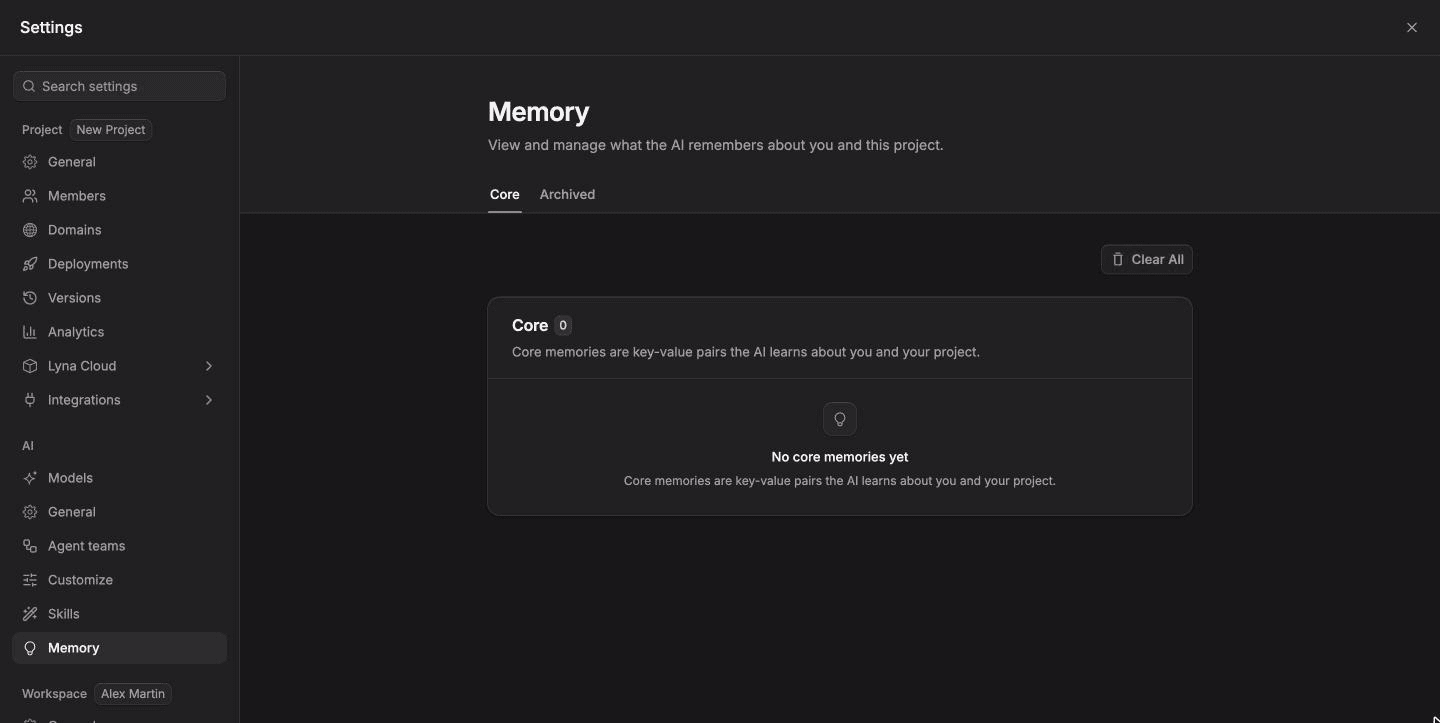
Open Settings > AI > Memory. There are two tabs:
- Core: short key and value facts the AI learns about you and your project. Each shows its scope (You, This project or You in this project), its confidence and how often it was used.
- Archived: longer knowledge taken from past conversations.
You can Edit or Delete each memory. Clear All Memories deletes every core and archived memory of the project. This cannot be undone.
Correct the AI in the chat
If the AI remembers something wrong, tell it in the chat, or delete the memory in settings. It will stop using it.