Project Settings
The settings modal organizes all project and global configuration. Open it from the Settings button in the editor toolbar.
Settings Modal Structure
Two groups: project settings for the current project, and global settings that apply across all projects.
Project Settings
| Tab | Description |
|---|---|
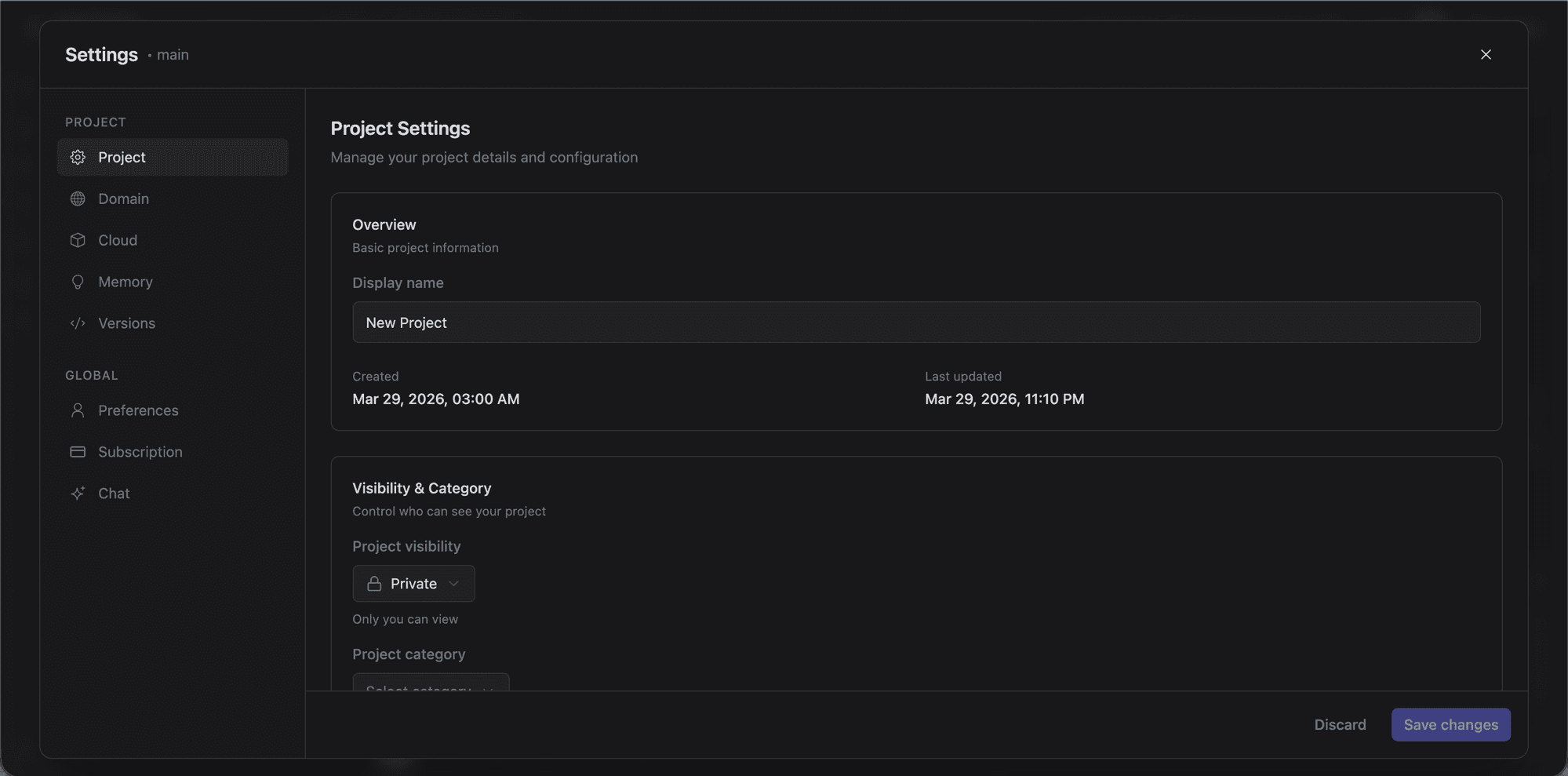
| Project | Name, visibility (public/private), category, tags, SEO metadata, OG image, and favicon. |
| Domain | Preview URL management and custom domain configuration with DNS verification. |
| Database | Supabase connection, tables, SQL editor, schema visualizer, templates, security audit, suggestions, logs, and keys. |
| Users | Authentication: providers, email templates, and RLS integration. |
| Storage | Storage buckets and file browser (Pro plan). |
| Secrets | Environment variables in your .env file. |
| Edge Functions | Edge Functions code editor, deployment, templates, secrets, and detail views. |
| Payments | Stripe integration for in-app payments via Supabase edge functions. |
| Memory | AI memory management: core and archival memories that persist across conversations. |
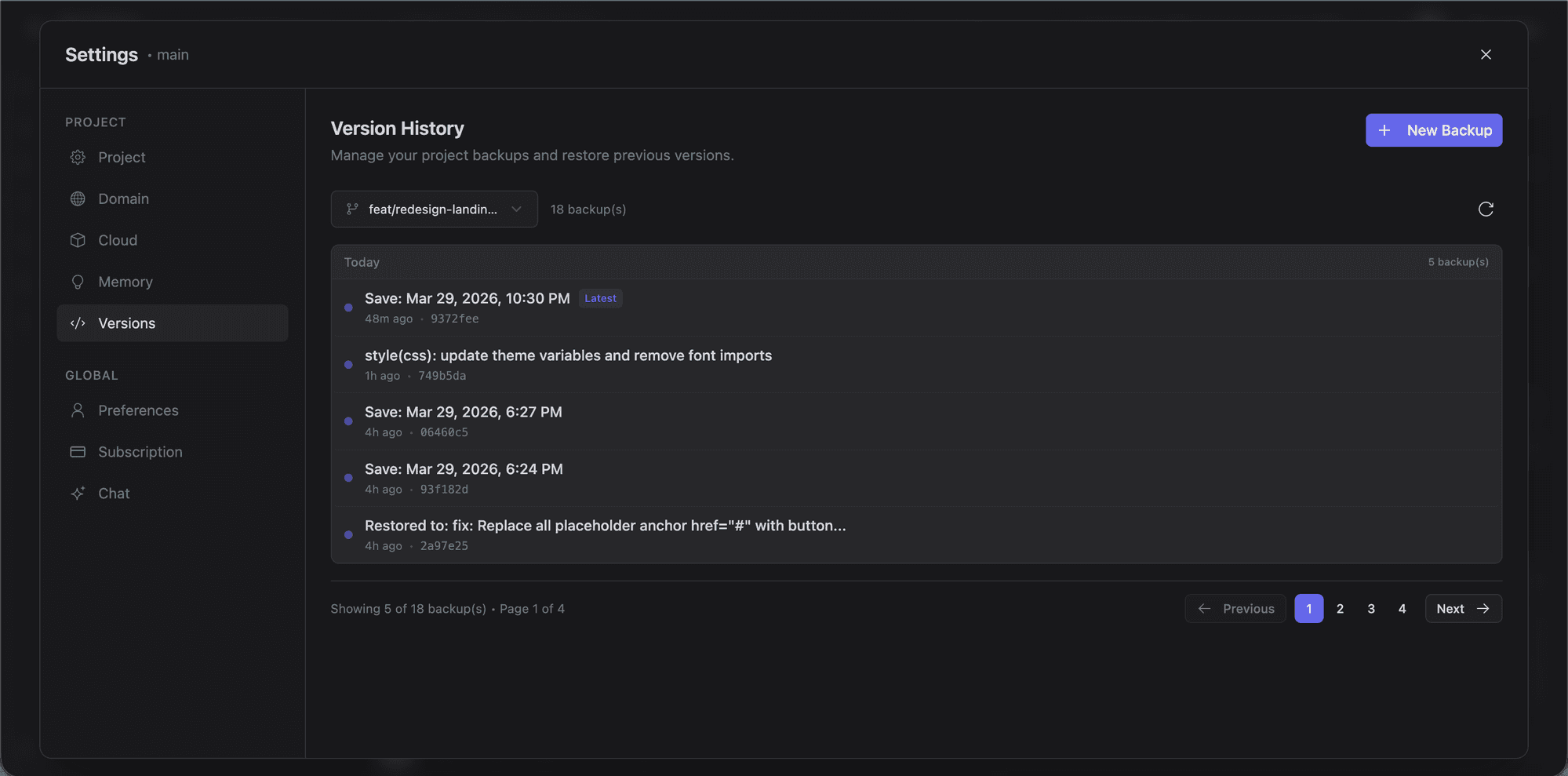
| Versions | Git commit history and version management. |
Global Settings
| Tab | Description |
|---|---|
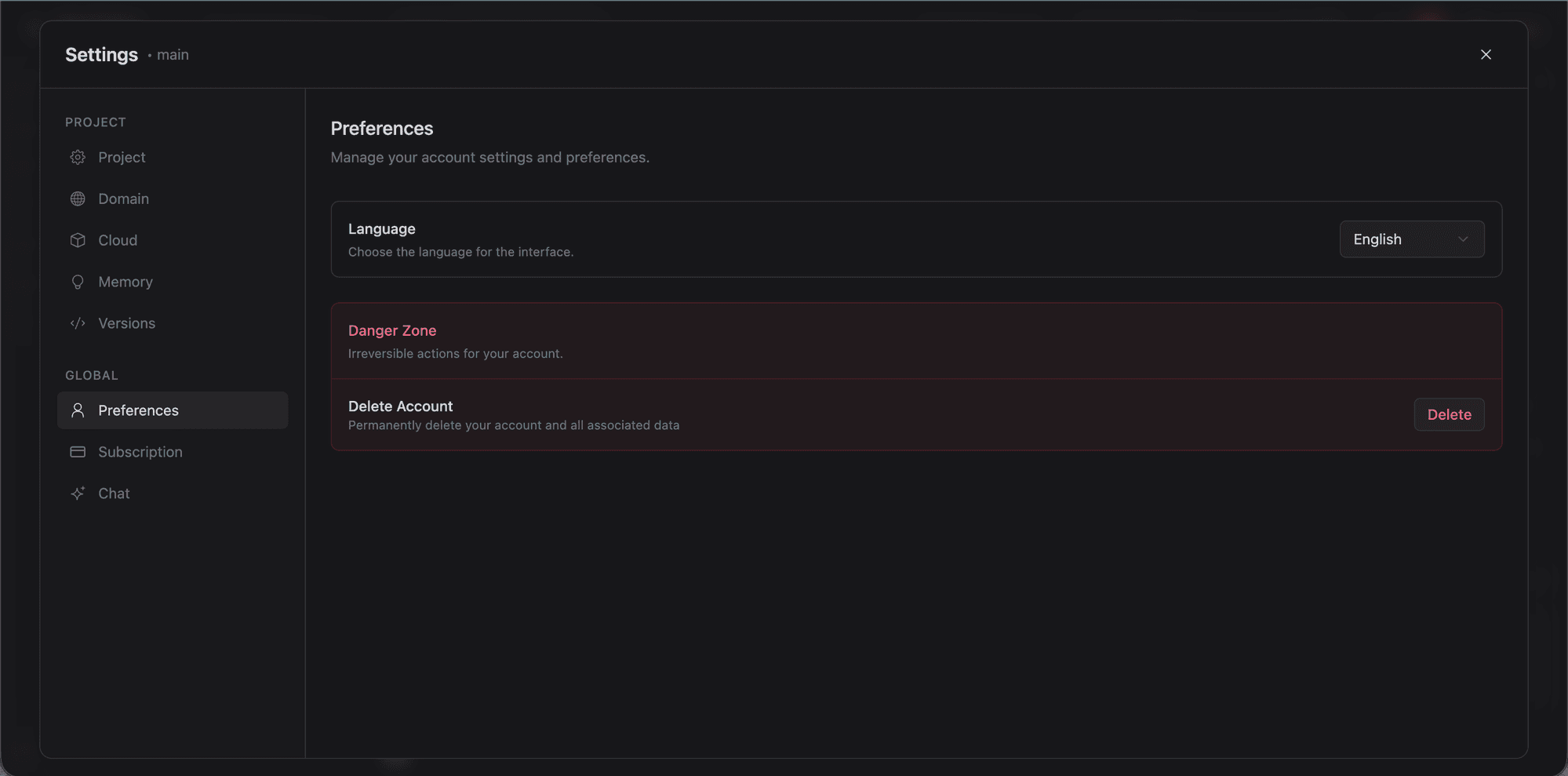
| Preferences | Account preferences and profile. |
| Subscription | Plan details, billing, and tier changes. |
 | Providers | AI provider connections: 4 core plus 67 BYOK. |
| Models | Model selection from connected providers. Also available inline in chat. |
| Rules & Skills | Custom rules and skills for the AI assistant. |
| MCP Servers | MCP server configuration, catalog, and management. |
| Providers | AI provider connections: 4 core plus 67 BYOK. |
| Models | Model selection from connected providers. Also available inline in chat. |
| Rules & Skills | Custom rules and skills for the AI assistant. |
| MCP Servers | MCP server configuration, catalog, and management. |
Project Tab Details
Overview
- Project name: display name used on the dashboard and in the Explore gallery. Editable inline.
- Created at / Updated at: timestamps.
Visibility and Category
Control who sees your project and how it is categorized.
- Private: only you and invited team members can access the project.
- Public: appears in the Explore gallery and can be cloned by anyone.
Categories: Internal Tools, Website, Personal, Consumer App, B2B App, Prototype.
Moderation Status
Shown for public projects. Indicates whether the project has been reviewed under Lyna's content moderation system.
Tags
Add tags to improve discoverability. Suggestions are based on your category, and custom tags are supported. Tags appear on your project card in the Explore gallery and in search results.
SEO
Configure how your project appears in search engines and social previews:
- Title: browser tab title and search result heading.
- Description: meta description for search engines and social cards.
These values update <title>, og:title, og:description, and og:site_name in your project's index.html.
If your project has a published URL, SEO settings also update Open Graph URL metadata for correct social media link previews.
Imagery
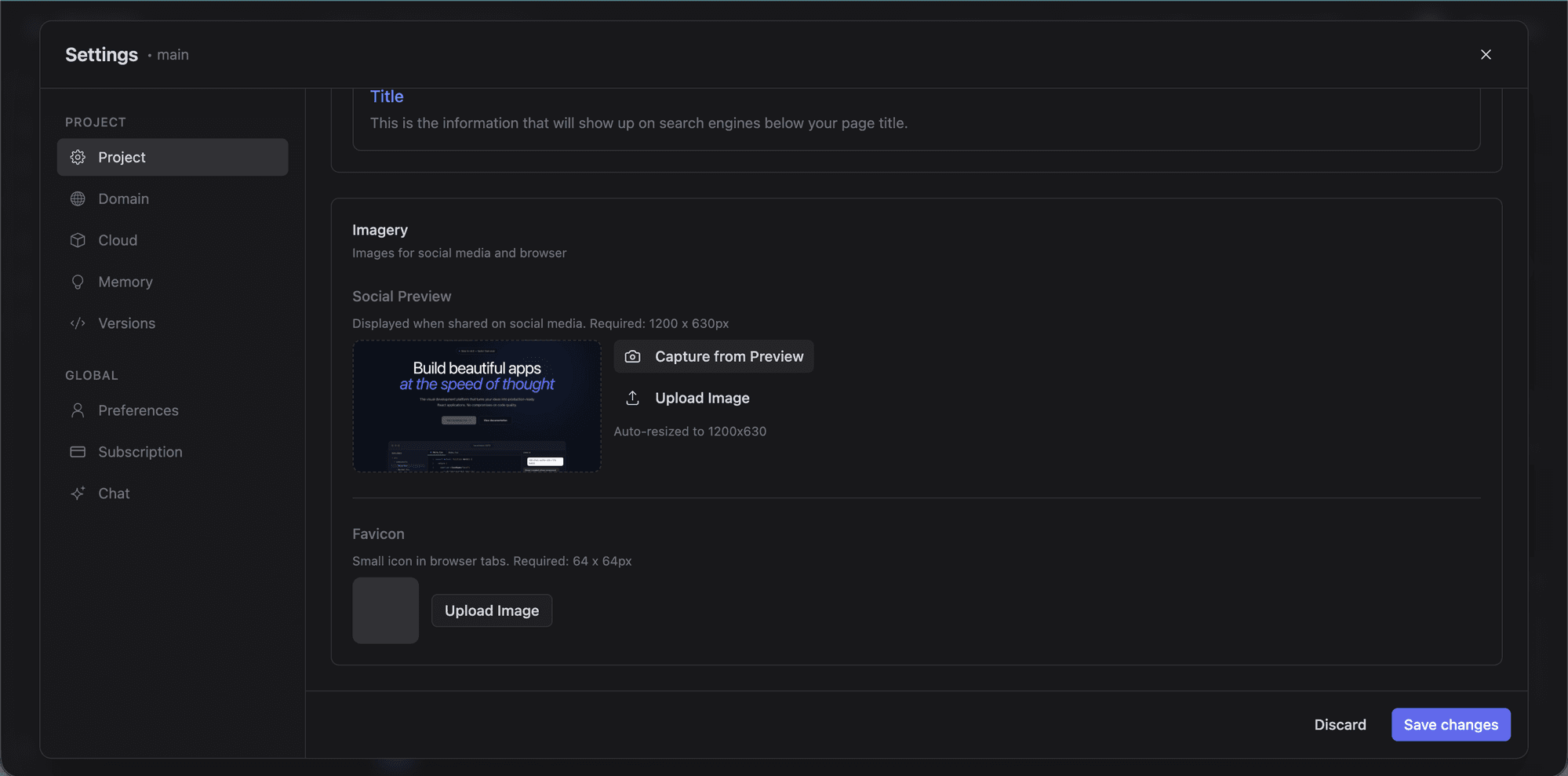
- OG Image: Open Graph image (recommended 1200 x 630px) for social sharing. Also used as the project preview thumbnail.
- Favicon: custom favicon for browser tabs. Lyna updates the
<link rel="icon">tag inindex.htmlautomatically.