Collaborate
Workspace
After signing in, you land on the Dashboard. This is where you create, find, and manage all your Lyna projects.
Dashboard Overview
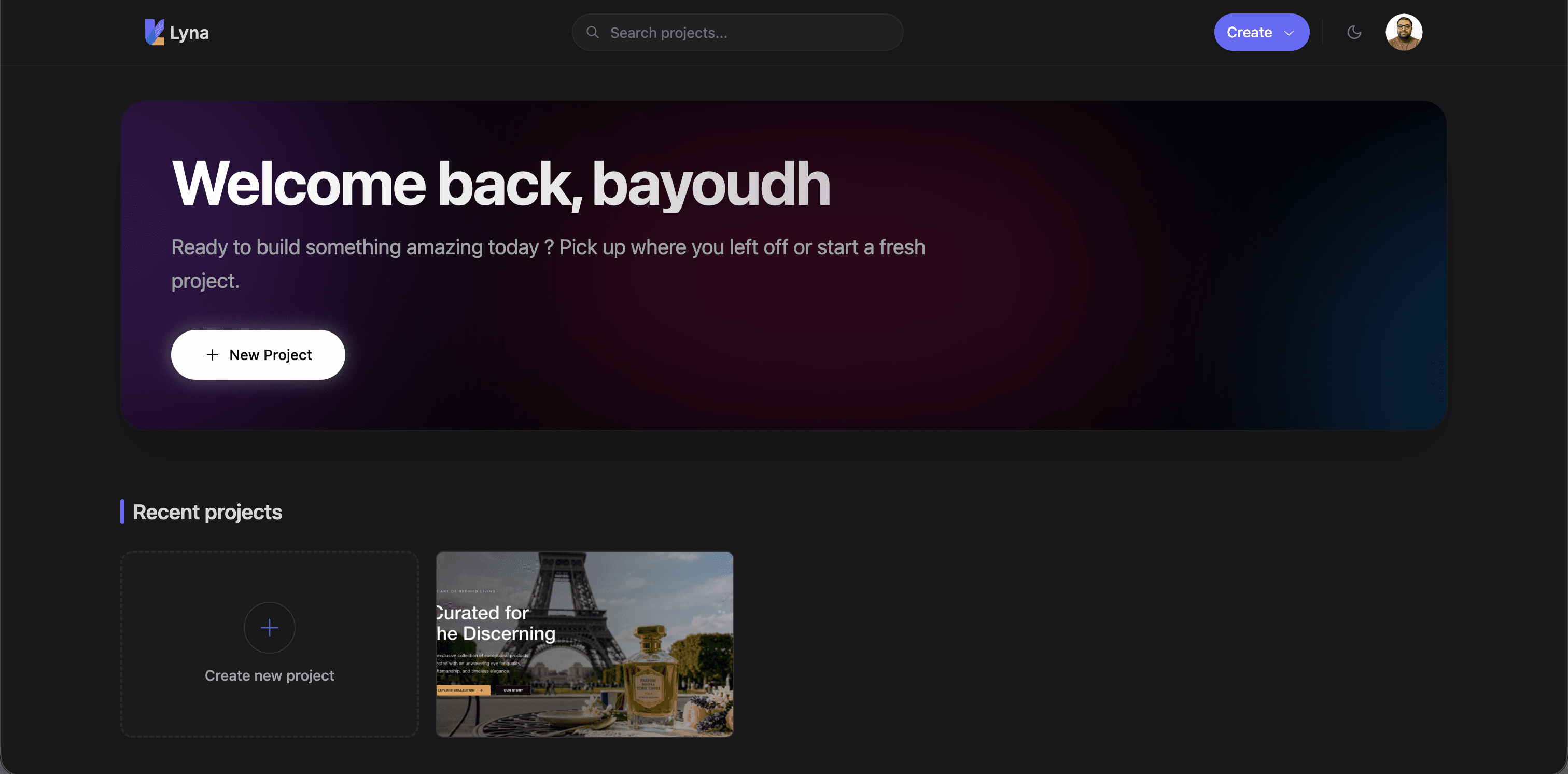
Projects display as visual cards in a responsive grid. Each card shows:
- Preview thumbnail (or placeholder).
- Project name and category.
- Last modified date.
- Quick actions for opening, editing, or managing.
Creating Projects
Click New Project to start. Four starting points:
- A prompt: describe what you want and the AI generates the initial scaffold.
- A Figma import: import an existing design via Figma OAuth.
- A template: clone a project from the Explore gallery.
- A GitHub repository: import from an existing repo. See GitHub integration.
Searching and Filtering
The search bar at the top filters projects by name in real time.
Project Actions
Right-click or use the action menu on any project card:
- Open: open in the editor.
- Rename: change the name without opening.
- Duplicate: copy the project with all files and settings.
- Export: download the source code.
- Delete: permanently remove. Requires confirmation, cannot be undone.
Announcements
A dismissible banner at the top of the dashboard for platform updates, maintenance notices, or feature announcements. Versioned so you only see each one once.
Account and Billing
Click your avatar in the top-right corner to:
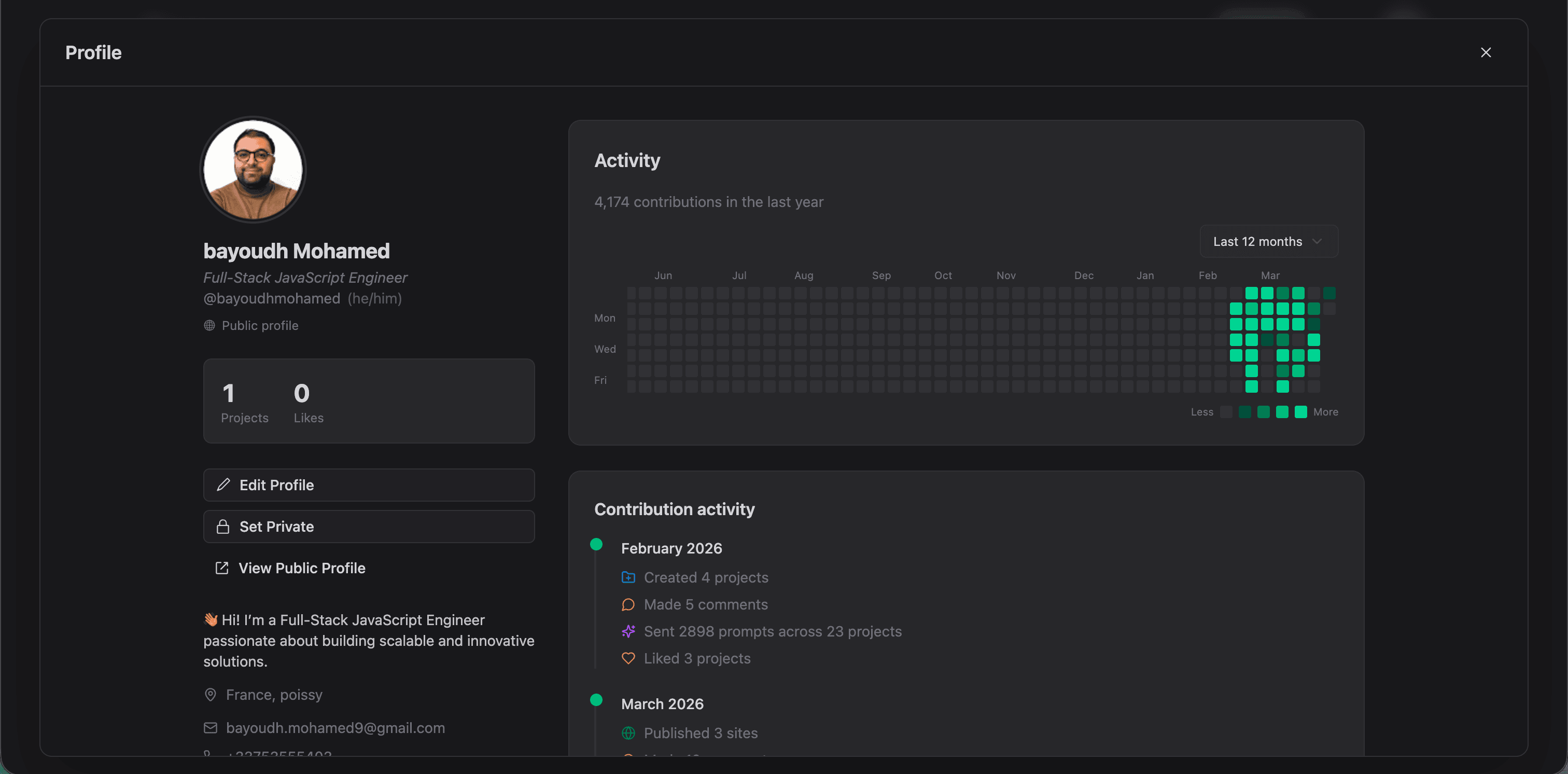
- View and update your profile.
- Manage your subscription and billing.
- Sign out.