AI providers
The providers the chat can use: Lyna built in, Anthropic (Claude Pro/Max sign-in or API key), OpenAI (ChatGPT Pro/Plus sign-in or API key) and Moonshot AI (Kimi Code sign-in).
Lyna models are built in. Connect a provider to also use its models with your own subscription or API key. Open Settings > AI > Models and choose the Providers tab.
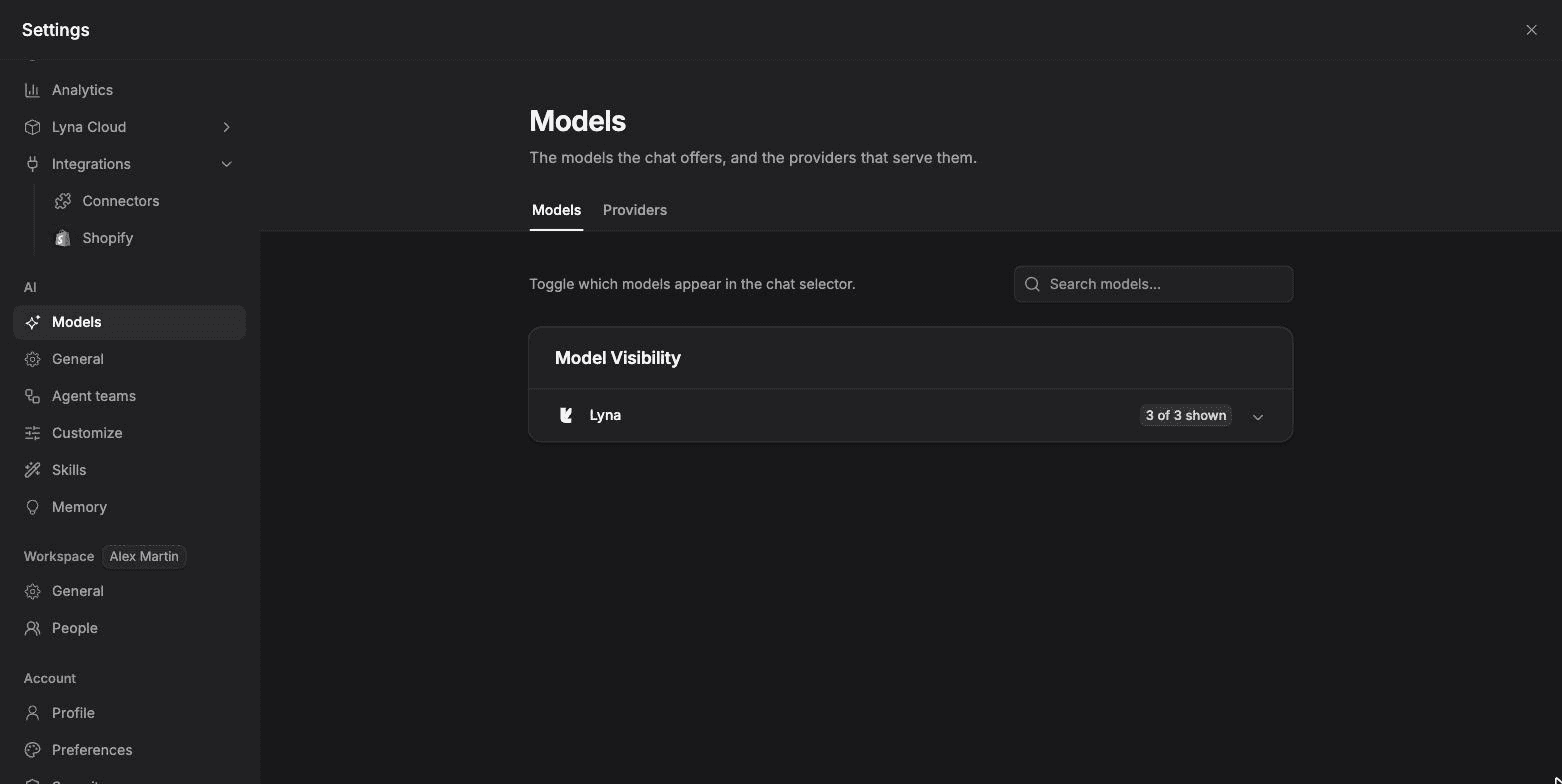
The providers
| Provider | How you connect | Good to know |
|---|---|---|
| Lyna | Built in, nothing to do | Lyna Free, Lyna Pro and Lyna Max. Uses your daily chats or credits. |
| Anthropic (Recommended) | Sign in with Claude Pro/Max, or an API key | Claude models directly from Anthropic. |
| OpenAI | Sign in with ChatGPT Pro/Plus, or an API key | GPT models. |
| Moonshot AI | Sign in with Kimi Code | Kimi models. |
Models from a connected provider run on your own subscription or API key. They do not use Lyna credits. The models each provider offers are listed in Models and providers.
Connect a provider
Choose Connect
Under Popular Providers, choose Connect next to the provider.
Pick a method
- Claude Pro/Max: open the link, sign in, then paste the Authorization Code you receive and choose Submit.
- ChatGPT Pro/Plus and Kimi Code: Lyna shows Your code. Open the link, enter the code, and the dialog updates on its own when you are done.
- API key: paste your key and save it.
Use its models
The provider moves to Connected Providers, with a tag that shows how it is connected, such as API Key. Its models appear in the model picker.
Your keys stay on the server
API keys and sign-in tokens are stored encrypted on Lyna's servers. They are never sent to your browser or written into your project.
Disconnect
Choose Disconnect next to a connected provider. Its models leave the model picker. If a sign-in expires, connect the provider again.