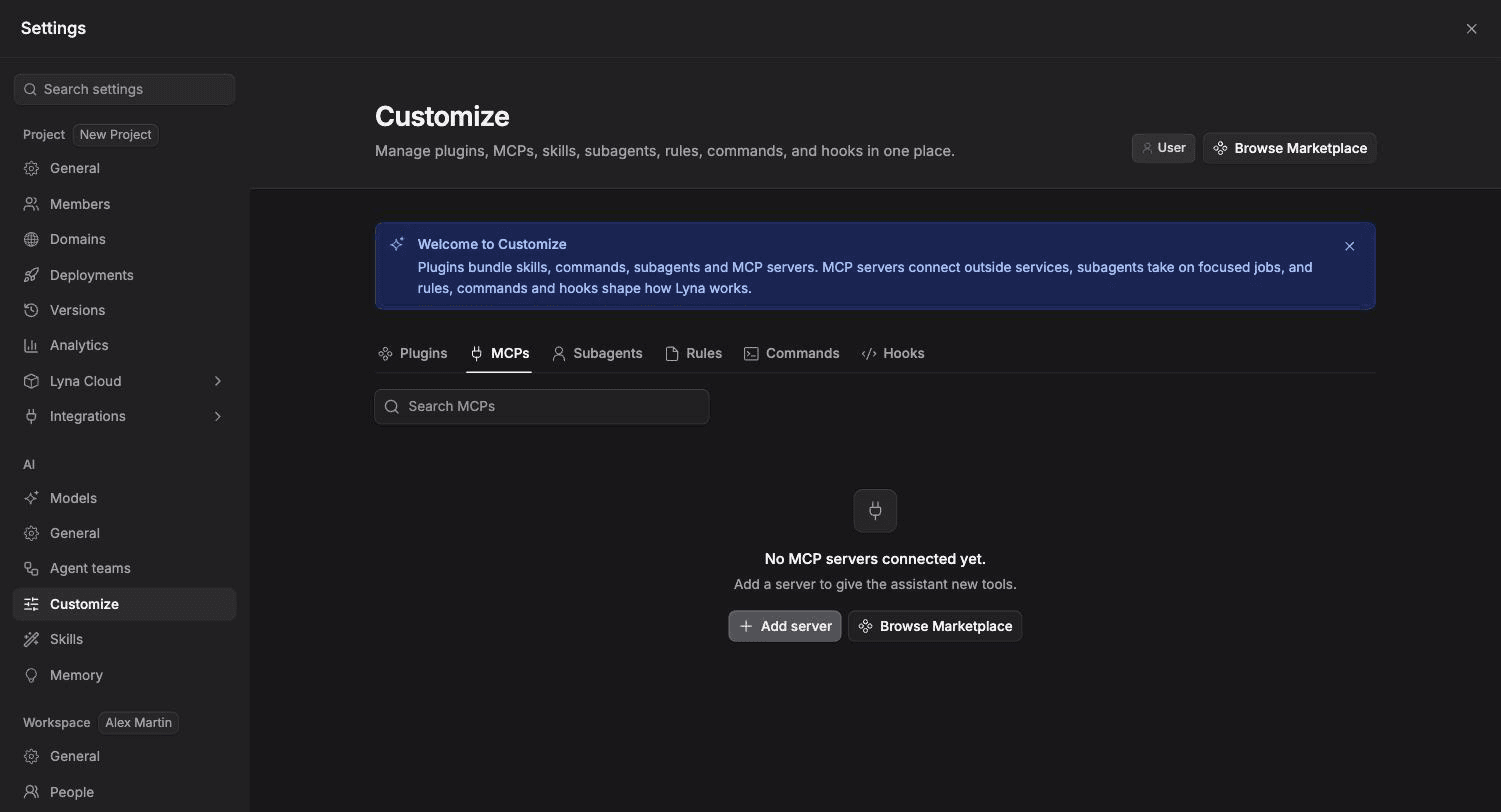
MCP Servers
The Model Context Protocol (MCP) is an open standard for connecting external tools and data sources to AI assistants. Add MCP servers to give Lyna's AI access to APIs, databases, file systems, and third-party services.
How MCP Works
MCP servers expose tools (functions the AI can call) and resources (data the AI can read). When you connect one:
- Lyna starts the server process inside your project sandbox.
- The AI discovers the available tools and resources.
- Tools are registered as
mcp_{serverName}_{toolName}so the AI knows which server each tool belongs to. - During conversation, the AI calls those tools to fetch data or perform actions.
The MCP client identifies itself as "lyna-ai" v1.0.0.
Configuration
Server configs are stored in .lyna_ai/mcp.json in your project sandbox. This file is committed to Git so the configuration persists across sessions.
Command Allowlist
For security, only these commands can start MCP servers:
npxnodebundenouvxpython3python
Anything else is rejected.
Managing MCP Servers
Open Settings > Chat > MCP Servers.
Installed Servers
Lists all configured servers. For each one you can:
- Toggle on/off: enable or disable without removing.
- Delete: remove the configuration entirely.
Adding a Custom Server
Click Add Custom to configure a new server:
Name
Give it a descriptive name (e.g., "GitHub MCP", "Notion MCP").
Command
The command to start the server. Must be one of the allowed commands listed above.
Arguments
Command arguments, separated by commas. Example: -y, @modelcontextprotocol/server-github.
Environment Variables
Any environment variables the server needs (API keys, tokens, etc.).
Browse the Catalog
Lyna includes a built-in catalog of popular MCP servers organized by category.
- Find the server in the catalog grid.
- Click Add.
- Fill in the required environment variables (name, command, and arguments are pre-configured).
- The server starts automatically.
Already-installed servers are grayed out in the catalog.
Connection Behavior
- Auto-reconnect: if a server disconnects, Lyna automatically tries to reconnect.
- Idle cleanup: servers idle for 5 minutes are cleaned up to free resources.
- Startup: enabled servers start when the project loads.
Common MCP Servers
| Server | Description |
|---|---|
| GitHub | Search repos, read files, create issues and PRs |
| Notion | Read and write Notion pages and databases |
| Slack | Send messages, read channels |
| PostgreSQL | Query databases directly |
| Filesystem | Extended file operations |
| Brave Search | Web search capabilities |
Troubleshooting
| Problem | Solution |
|---|---|
| Server fails to start | Check that the command is in the allowlist and arguments are correct. Verify the package exists. |
| Tools not appearing | Make sure the server is enabled (toggle is on). Try toggling off and on. |
| Authentication errors | Verify environment variables contain valid API keys or tokens. |
| Server disconnects | Lyna auto-reconnects. Check server logs if it keeps failing. |