Authentication
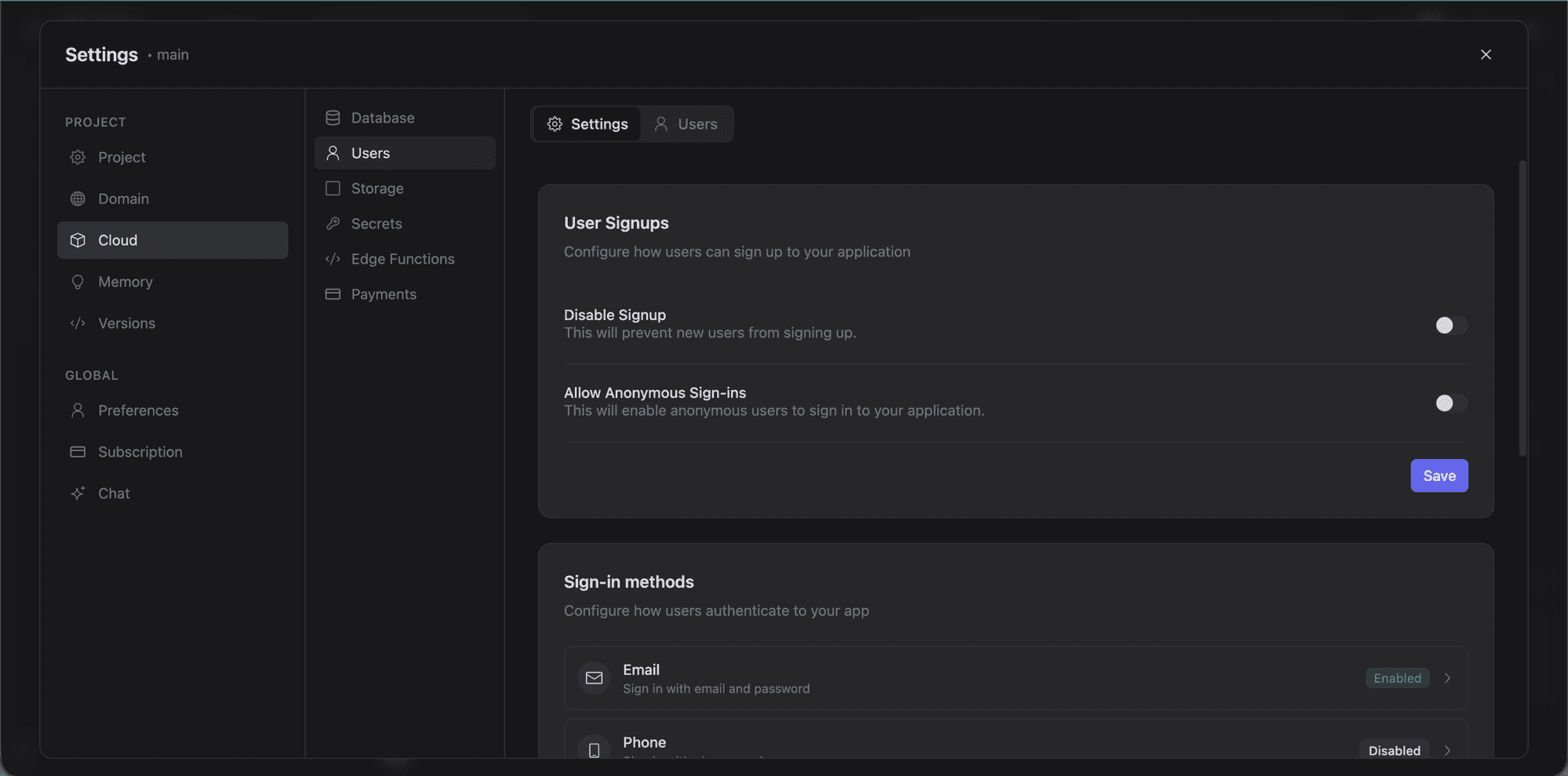
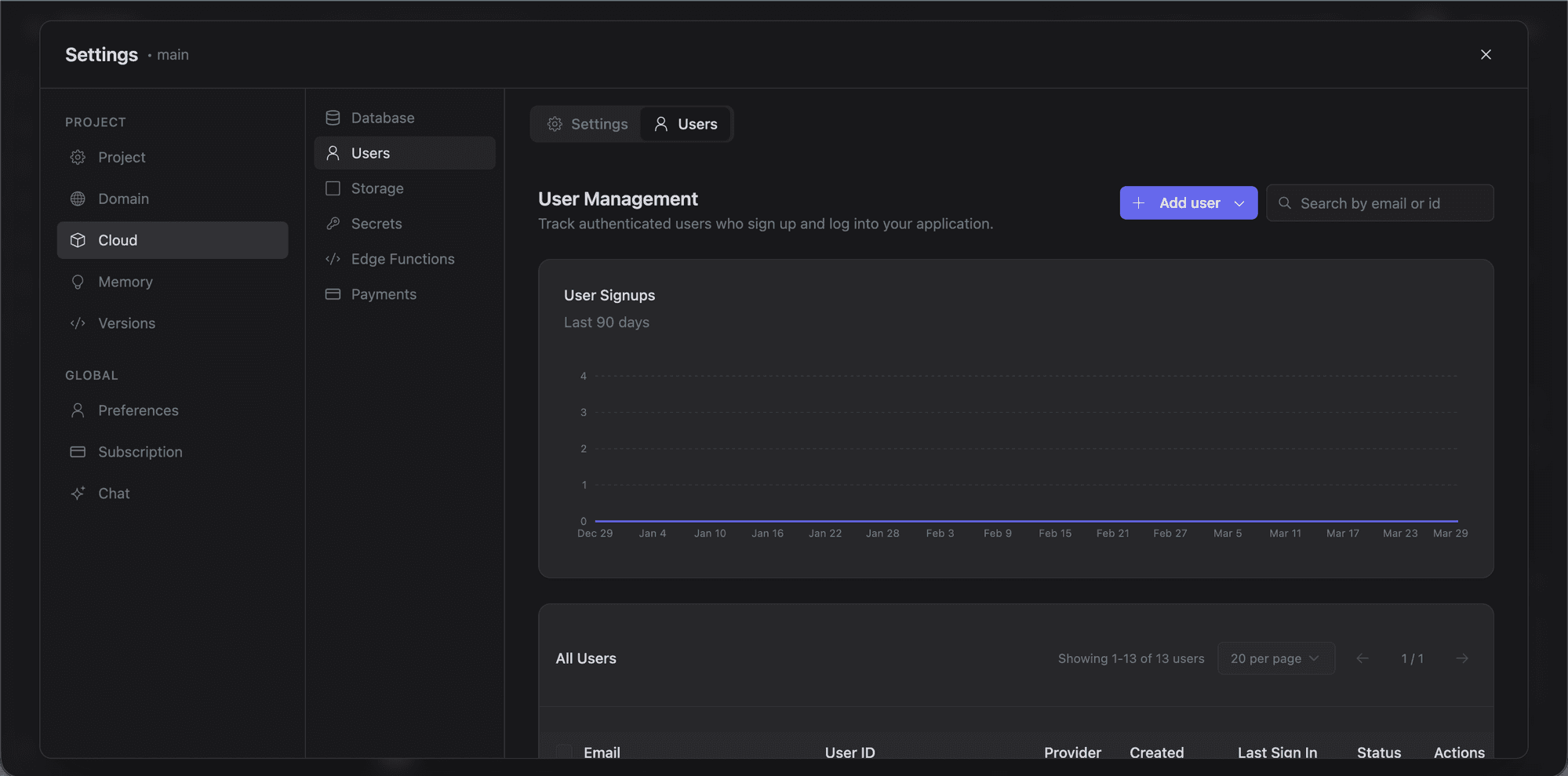
Supabase Auth handles user sign-up, login, and social authentication for your Lyna app. Configure it from Settings > Cloud > Users.
Prerequisites
You need a connected Supabase database first. Without one, the auth panel prompts you to connect.
Setting Up Auth
Open Auth Settings
Go to Settings > Cloud > Users.
Configure Providers
Supabase Auth supports multiple methods:
- Email/Password: the default. Users sign up with email and password.
- Magic Link: passwordless login via an emailed link.
- Social providers: Google, GitHub, Discord, Twitter, and more. Each needs OAuth credentials (client ID and secret) from the provider.
Customize Email Templates
Edit the templates for:
- Confirmation emails (sent on sign-up)
- Password reset emails
- Magic link emails
- Invitation emails
Match them to your app's branding.
How It Works
Once auth is configured, the AI assistant can generate authentication flows using the Supabase client. Common patterns:
- Sign-up form with email/password registration
- Login form with social login buttons
- Protected routes that redirect unauthenticated users
- User profile display and editing
- Logout and session clearing
The Supabase client is pre-configured with your project's connection keys, so generated auth code works immediately.
Row Level Security Integration
Authentication pairs with Row Level Security on your database tables. With RLS policies, you can:
- Restrict users to reading only their own data.
- Limit updates and deletes to records they own.
- Allow public reads but require authentication for writes.
- Grant elevated access to admin roles.
When the AI generates database tables, it can also create RLS policies that reference the authenticated user's ID from the Supabase auth session.
Session Management
Supabase Auth uses JWTs for sessions. The Supabase client handles token refresh automatically: users stay logged in without any session management code on your end.