Edge Functions
Supabase Edge Functions are serverless TypeScript functions that run on the edge, close to your users. Use them for webhooks, background jobs, API endpoints, or any server-side logic. Manage them from Settings > Cloud > Edge Functions.
Prerequisites
A connected Supabase database is required.
Creating a Function
Open Edge Functions
Go to Settings > Cloud > Edge Functions and click Create Function.
Choose a Template or Start Blank
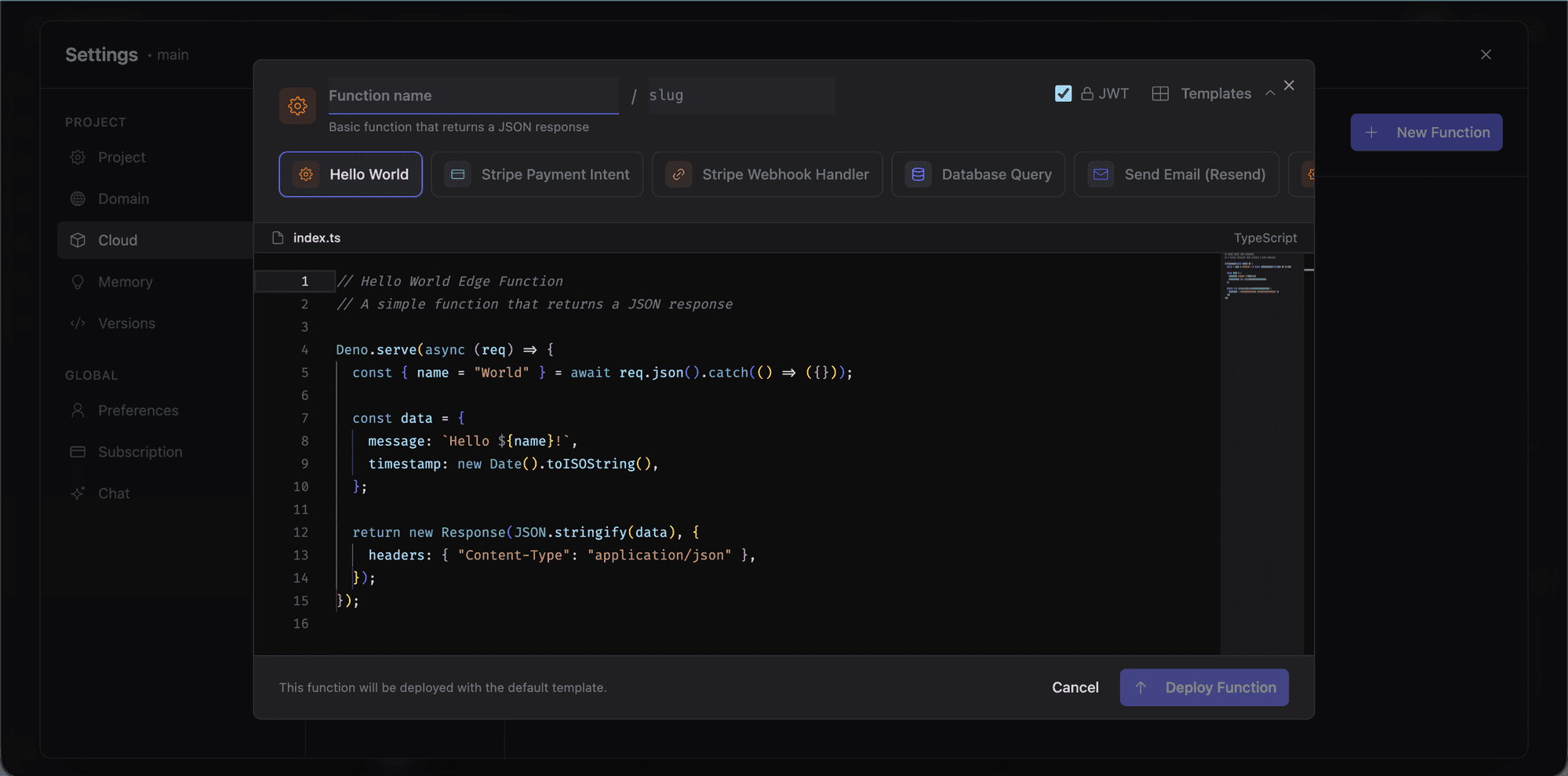
Five template categories are available:
| Category | Examples |
|---|---|
| Payments | Stripe webhook handler, payment intent creation |
| Transactional emails, notification triggers | |
| Database | Database triggers, data transformations |
| Utility | CORS proxy, cron jobs, data validation |
| Webhook | Generic webhook receiver, event processors |
Pick a template for pre-written code, or start blank.
Write Your Code
The editor uses Monaco with full TypeScript support: syntax highlighting, autocomplete, and error detection.
Set the function details:
- Name: a readable name for the function.
- Slug: the URL path segment (auto-generated from name, editable).
Deploy
Click Deploy to push the function to Supabase. It is available at its edge URL immediately.
Function Detail View
Click any function to open its detail view with four tabs:
Overview
Name, slug, deployment status, and endpoint URL.
Code
Full Monaco editor for viewing and editing the function source.
Invocations
Recent call history: timestamps, response status, and execution duration.
Logs
Real-time log stream including console.log output, errors, and execution metadata. Useful for debugging.
Secrets
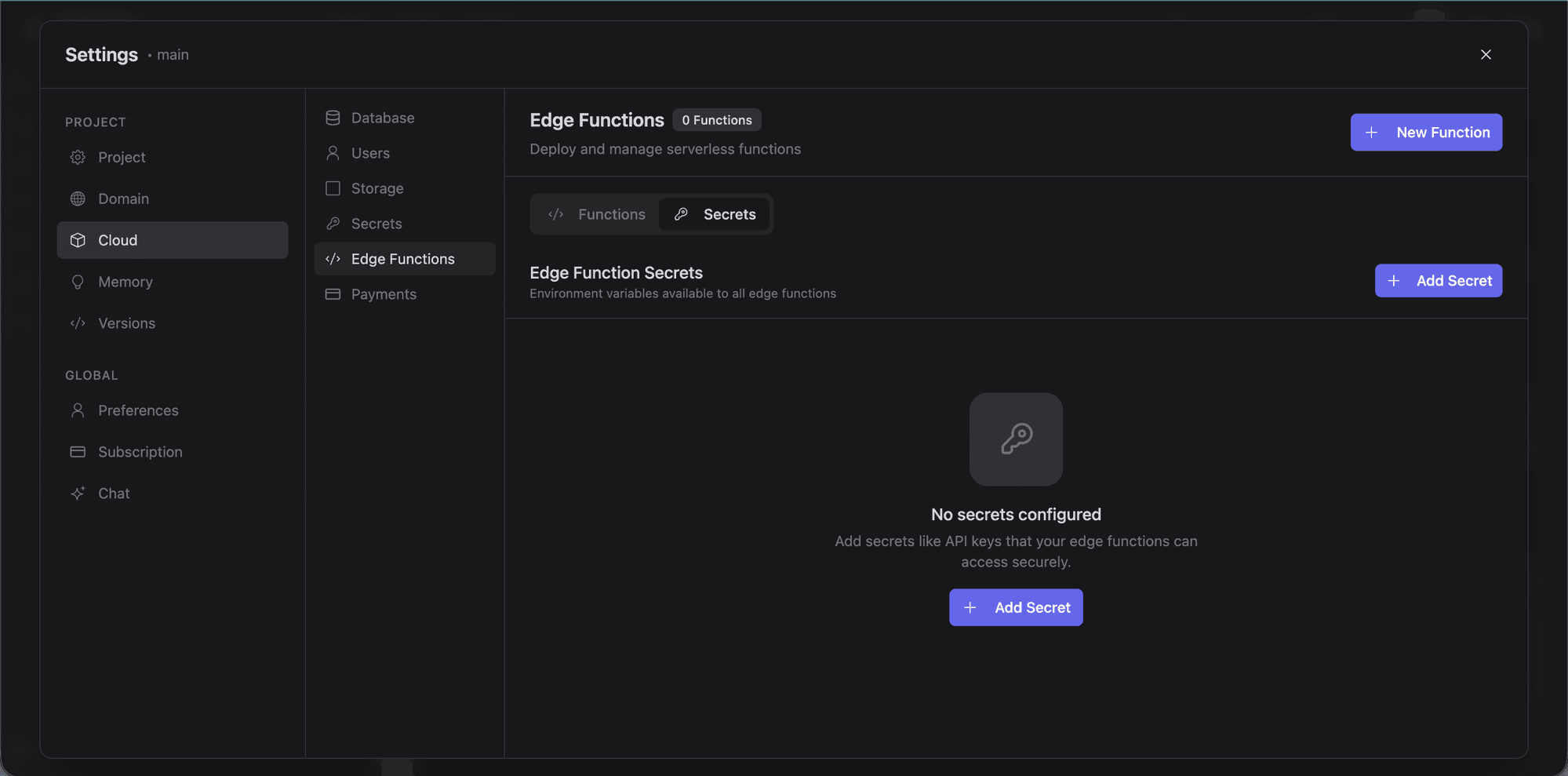
Edge functions access environment variables configured in the Secrets tab. Store API keys, database credentials, and other sensitive values here.
Go to the Secrets tab in the Edge Functions panel.
Add a secret with a name (e.g., STRIPE_SECRET_KEY) and value.
Access it in your function via Deno.env.get('STRIPE_SECRET_KEY').
Edge function secrets are stored in Supabase, separate from the .env file in your project sandbox.
Common Use Cases
- Stripe webhooks: process payment events. See Stripe integration.
- Email sending: trigger transactional emails via third-party services.
- Scheduled tasks: periodic jobs using Supabase's cron integration.
- API proxying: server-side endpoints that hide credentials from the client.
- Data processing: transform or aggregate data in response to database triggers.