Database
The database panel lives at Settings > Cloud > Database. It includes a table browser, SQL editor, schema visualizer, pre-built templates, and a security audit tool.
Tables Tab
The Tables tab is the main view for working with data.
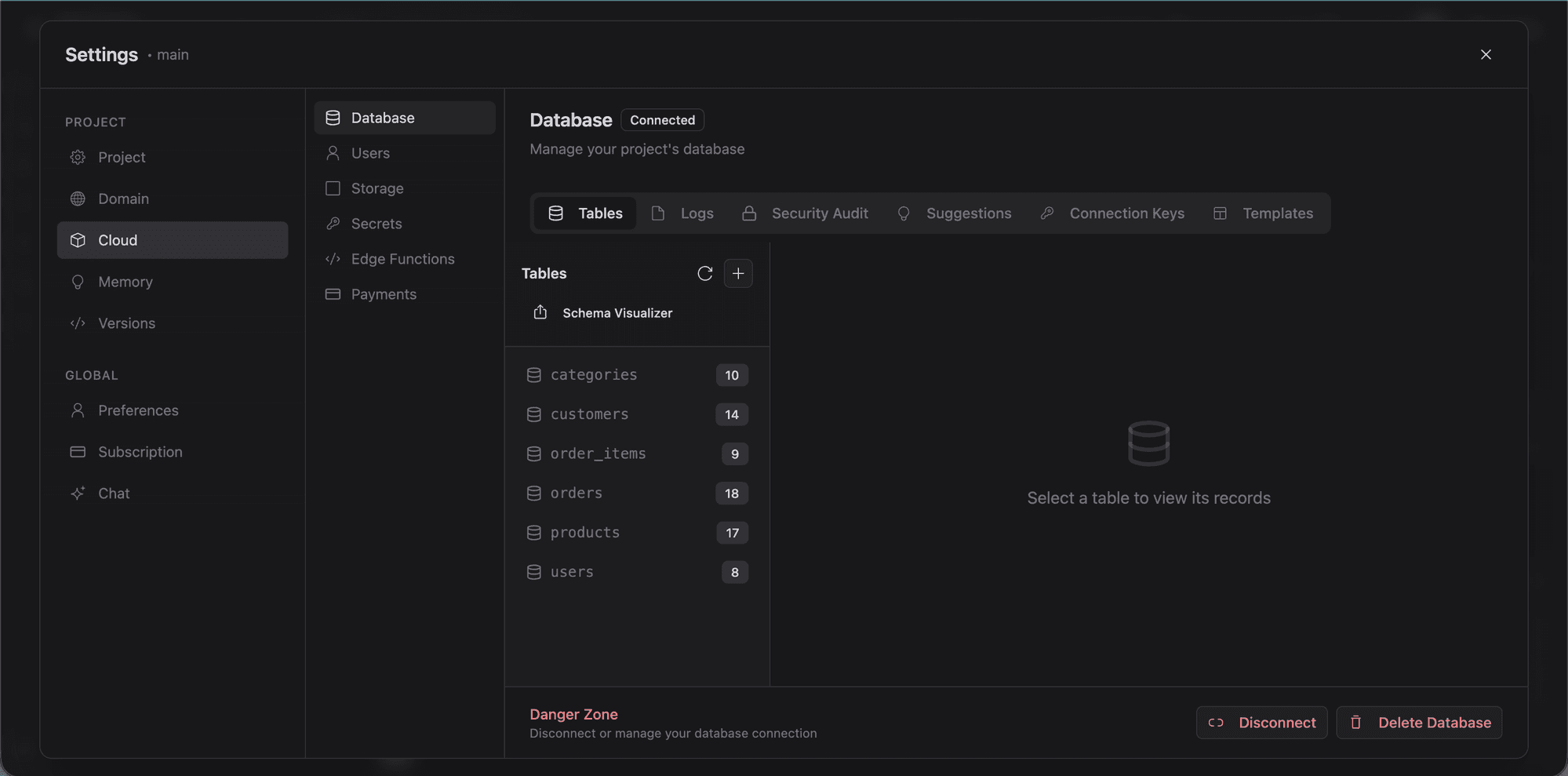
- Table list: browse all tables in your schema.
- Row viewer: click a table to see its rows in a spreadsheet-style view.
- Create table: define tables with columns, types, and constraints.
- Edit table: add columns, change types, rename.
- Dynamic forms: Lyna generates input forms from your schema for inserting and editing rows.
SQL Query Editor
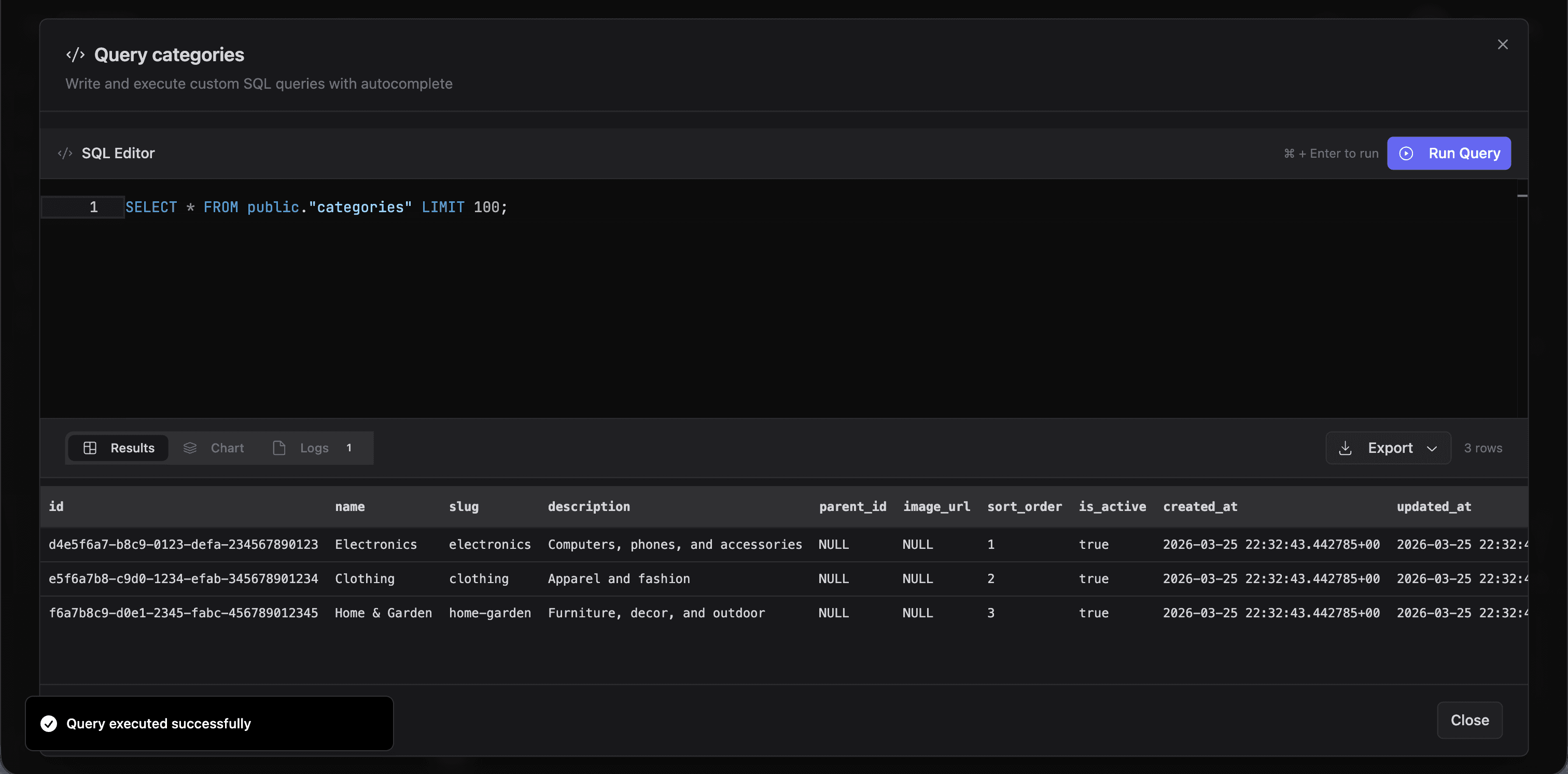
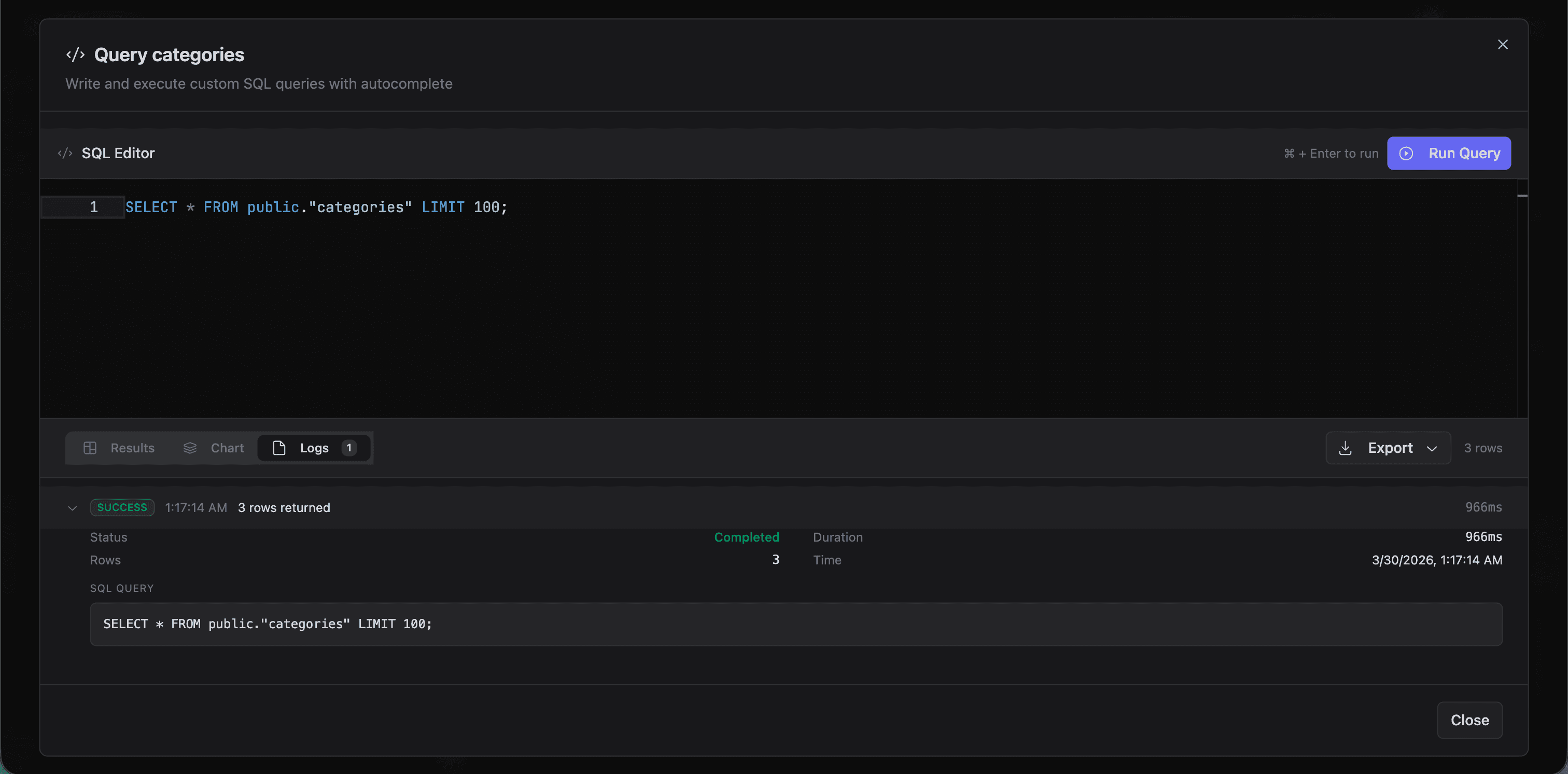
Click the Query button to open the SQL editor. It runs on Monaco (same engine as VS Code).
- Syntax highlighting and autocomplete for SQL.
- Execute queries directly against your database.
- Results show in a table below the editor.
- Export query results.
Schema Visualizer
The Schema Visualizer renders an interactive diagram of your database using ReactFlow.
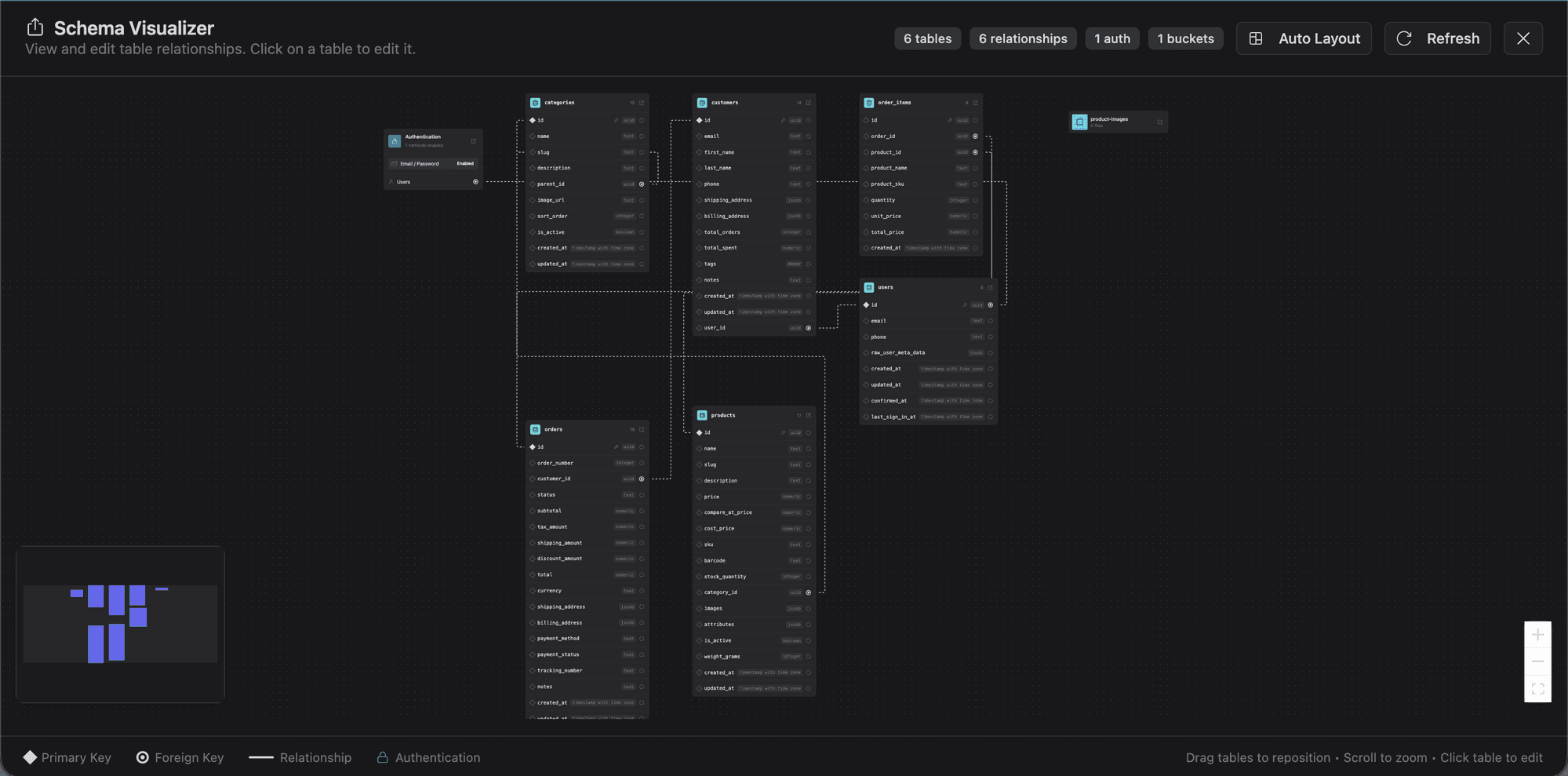
- Tables with their columns, types, and constraints.
- Foreign key relationships drawn as lines between tables.
- Pan, zoom, and drag to explore.
Helpful for understanding a multi-table schema at a glance.
Templates
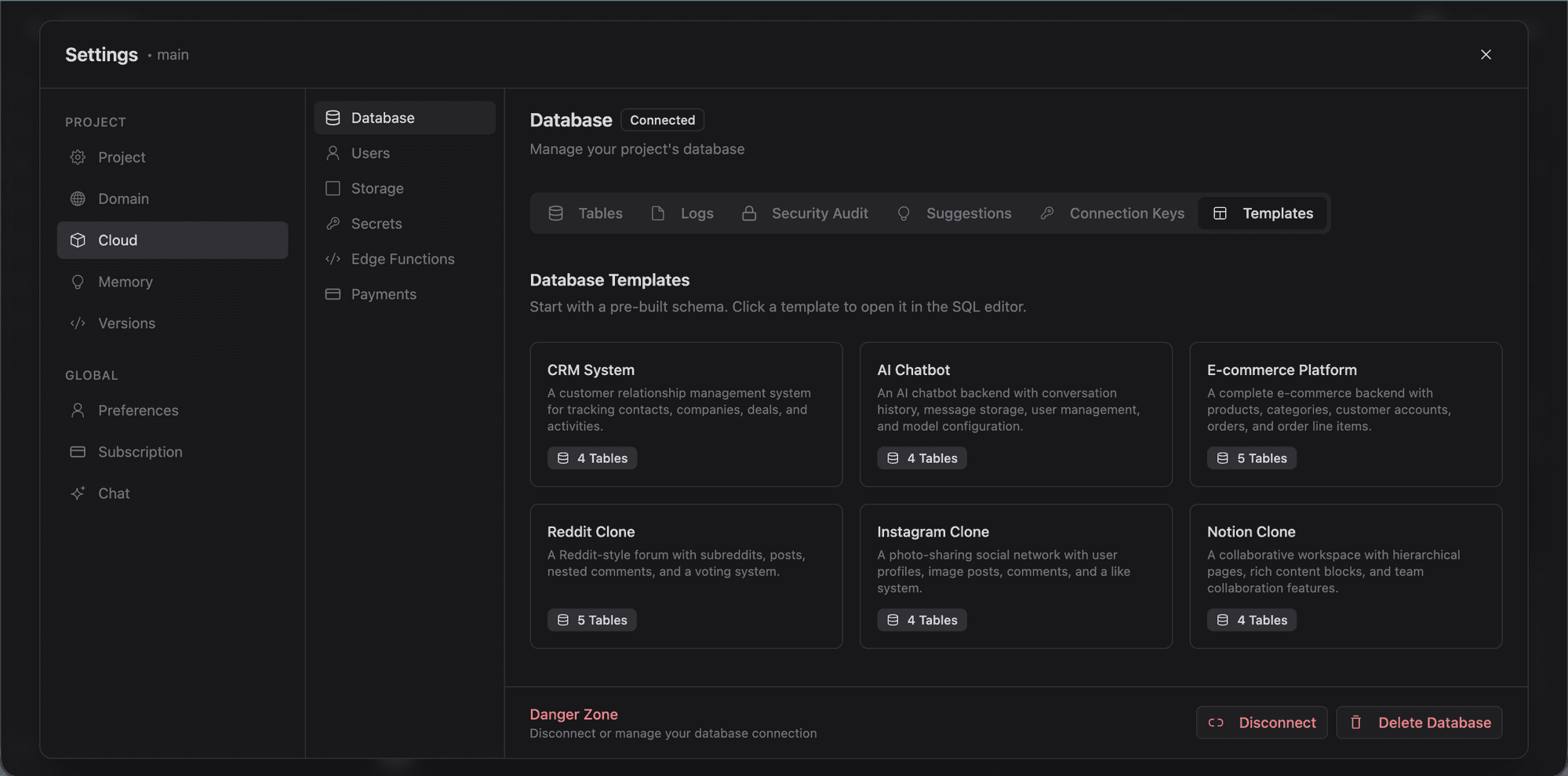
The Templates tab provides six pre-built schemas you can apply in one click:
| Template | Description |
|---|---|
| CRM | Contacts, companies, deals, and activities. |
| AI Chatbot | Conversations, messages, and user sessions. |
| E-commerce | Products, orders, customers, and payments. |
| Reddit Clone | Communities, posts, comments, and voting. |
| Instagram Clone | Profiles, posts, stories, likes, follows, and comments. |
| Notion Clone | Workspaces, pages, blocks, and sharing permissions. |
Selecting a template generates SQL and applies it to your database: tables, columns, relationships, and RLS policies.
Security Audit
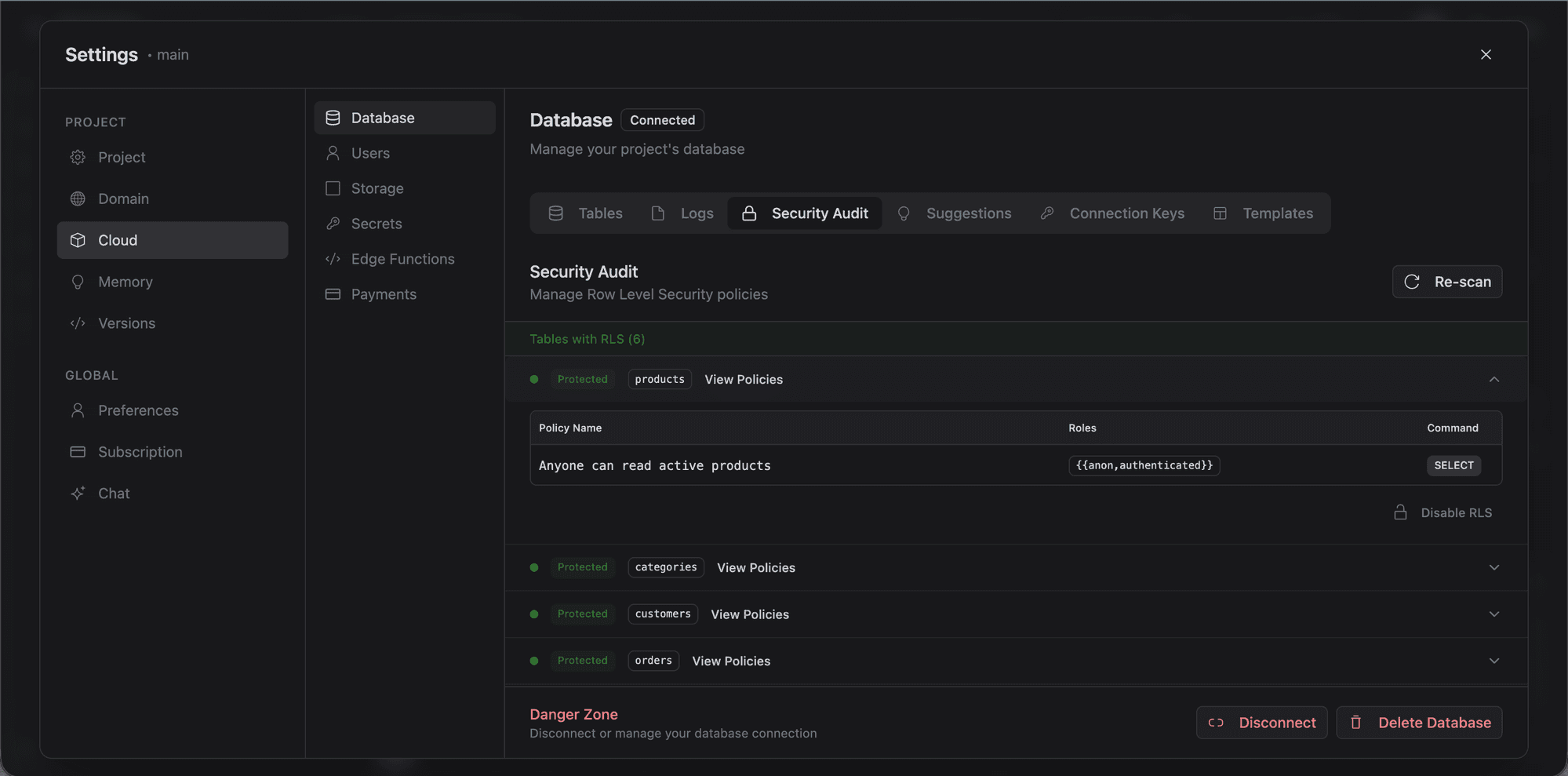
The Security tab audits your database for Row Level Security issues:
- Lists all tables and their RLS status.
- Flags missing RLS policies.
- Severity ratings: critical, warning, info.
- Recommended actions to fix each issue.
Tables without Row Level Security allow any authenticated user to read and modify all rows. Always enable RLS on tables containing user data.
Suggestions
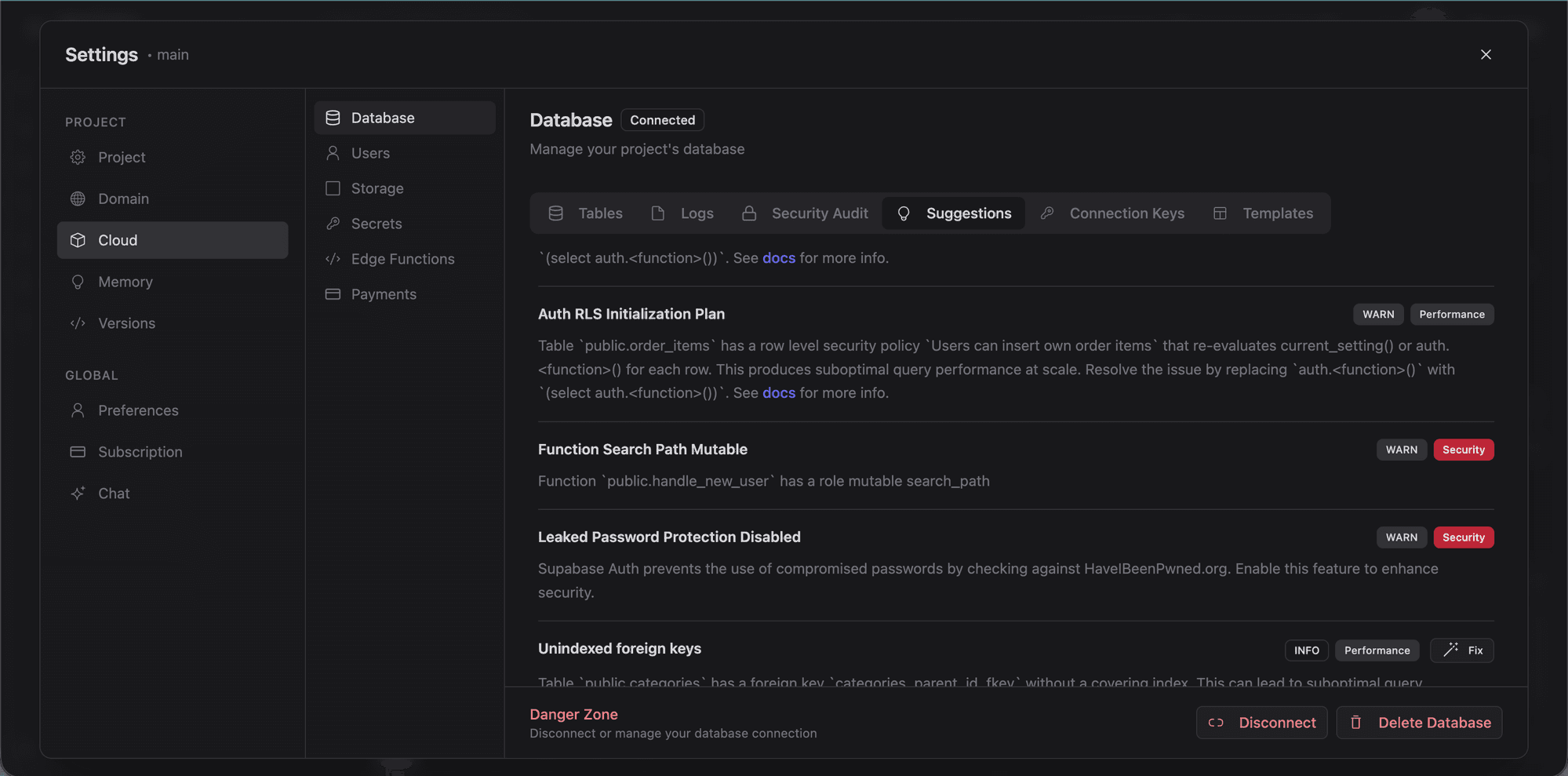
AI-generated recommendations for improving your schema: index suggestions, type optimizations, and structural improvements.
Logs
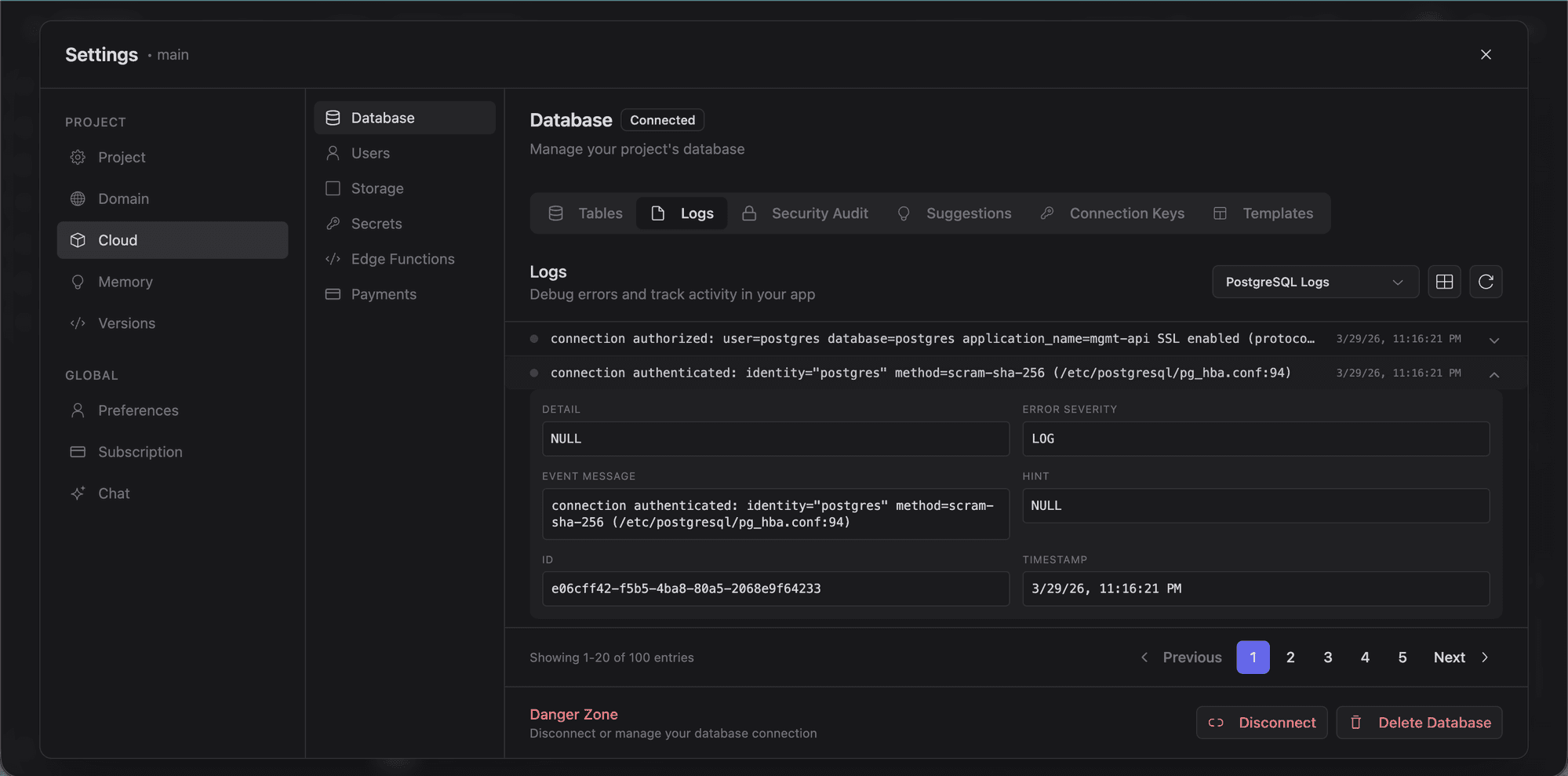
Recent database activity and query logs for debugging and monitoring usage.
Connection Keys
The Keys tab shows your Supabase project URL and anon key: the credentials used by the Supabase client in your application code.