Edge functions
Write, deploy and call server-side functions from templates or from scratch, and follow their calls, logs and response times.
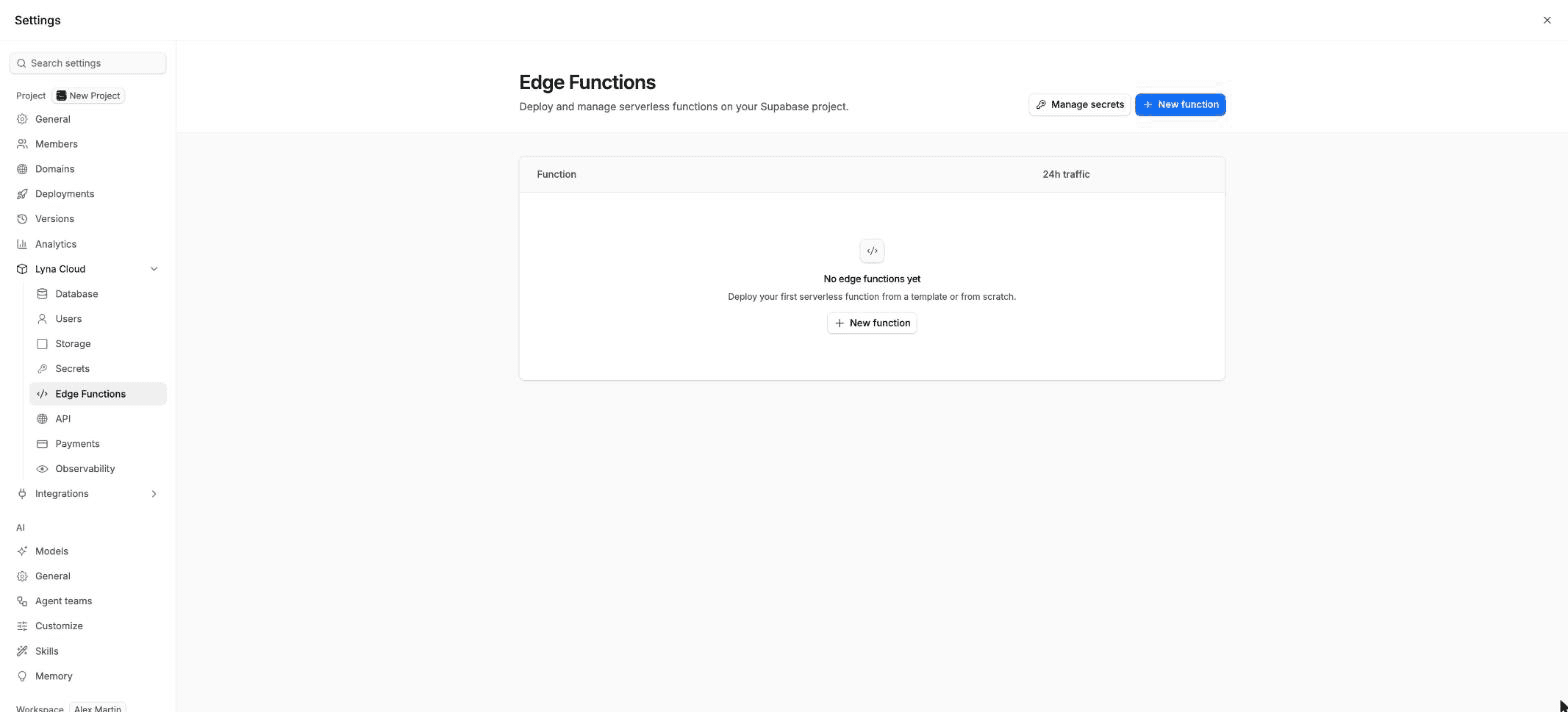
Edge functions run your own code on the server: take a payment, send an email, call an AI API or handle a webhook. They run on Deno, in TypeScript. Open Settings > Lyna Cloud > Edge Functions.
What you can do
- Create a function from a template or from a blank handler, and deploy it in one step.
- Edit its code and redeploy it.
- Call it with a test request and read the response.
- See its calls, response times, logs and invocations.
- Require a signed-in user (JWT) to call it.
- Delete it.
Create a function
Choose New function
Pick a starting point. Blank function starts from an empty handler. The templates, grouped as Payments, Email, Database, Utility and Webhook, include Hello World, Stripe Payment Intent, Stripe Webhook Handler, Database Query, Send Email (Resend), CORS Proxy, Image Transformation, OpenAI Completion, Node API, Storage Upload and WebSocket Echo.
Configure it
Enter a Name and a Slug (lowercase letters, numbers and hyphens). Keep Require JWT to invoke on if only signed-in users of your app may call it. If a template needs secrets, it says which ones.
Deploy
Choose Deploy function. The function is live at its invoke URL.
Add the secrets a template needs in Secrets under Edge Functions. Choose Manage secrets from the functions list to go there.
A function's tabs
| Tab | What it shows |
|---|---|
| Overview | Invocations, average and maximum execution time, with charts for the last 15 minutes, hour, 3 hours or 24 hours. |
| Code | The function's files. Edit them and choose Deploy (Cmd/Ctrl + S). Files you changed but did not deploy are marked. |
| Logs | Messages the function wrote, filtered by severity. |
| Invocations | Each request with its status, method and duration. |
| Details | Verify JWT, the slug, version and dates, and Delete function in the danger zone. |
Each function also shows its Invoke URL and an example cURL command to copy.
Test a function
Open the function's menu and invoke it. Choose the method, add headers and a JSON body, then Send request. The response shows its status, duration and body.
Changes made outside Lyna
If a function was changed outside Lyna, it shows Deployed elsewhere. In the Code tab, choose Use deployed source to pull the deployed code, or Redeploy Lyna copy to put Lyna's version back. Pull from Supabase loads the deployed code at any time.
Ask the AI
You can also ask in the chat, for example: "Create an edge function that sends a welcome email through my email provider when a user signs up, and read the API key from a secret."