Projects
What a Lyna project is, and how to create, open, rename, download and delete one.
A project is one app. It holds your code, your chat history, your versions, your settings and, if you use it, your Lyna Cloud backend.
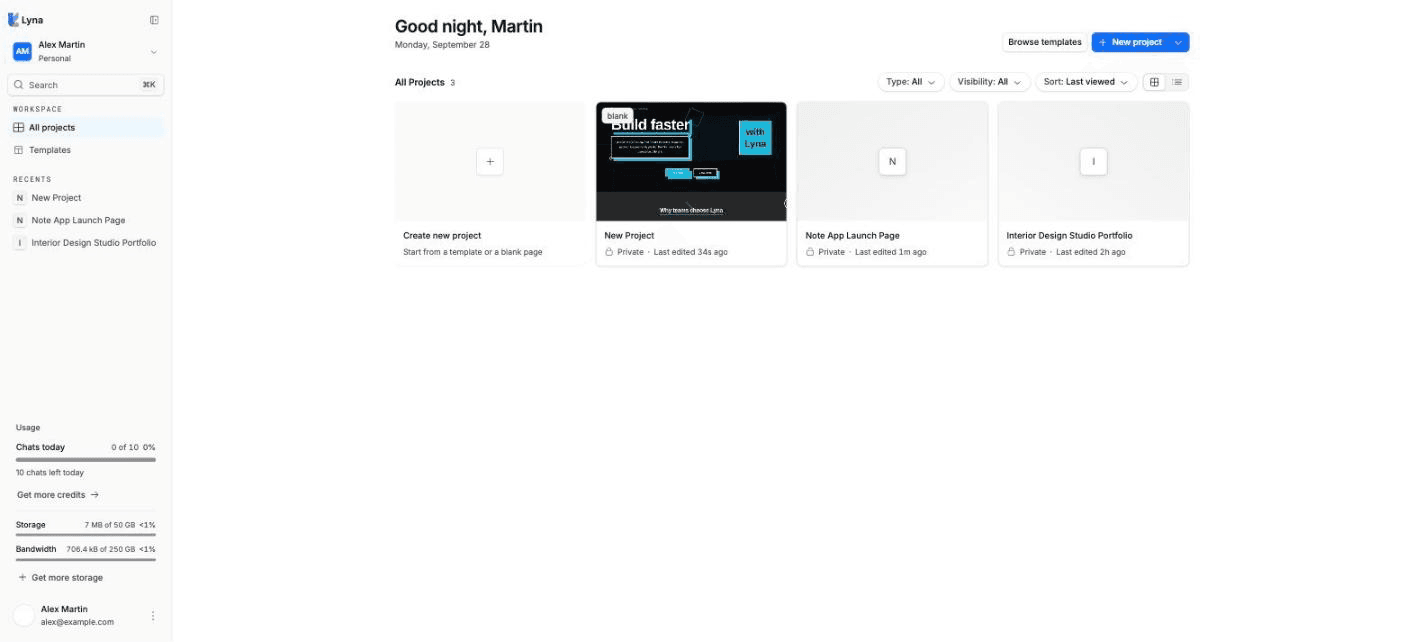
What a project contains
- Code: a React app with TypeScript and Tailwind CSS 4, in a Git repository.
- A cloud sandbox: runs your code and the development server while you work. It pauses when you leave.
- Conversations: every chat with the AI, with its versions.
- Settings: name, images, SEO, visibility, members, domains and more.
- Optional backend: database, users, storage and secrets through Lyna Cloud.
What you can do
- Create a project from a description, a blank page, a template or a Figma import.
- Rename or duplicate it from the project menu.
- Download the code.
- Move it to another workspace.
- Share it and set who can see it.
- Delete it for good.
Create a project
Choose how to start
On the projects page, choose New project, then Blank project, From template or Import design. You can also describe your idea on the Lyna home page and choose Start building.
Wait for the sandbox
Lyna connects to the sandbox, loads the files, installs dependencies, starts the development server and prepares the preview.
Build
The editor opens. Describe what you want in the chat, or start editing on the canvas.
Open, rename and download
- Open: select a project card on the projects page.
- Rename: in the editor, open the Project menu and choose Rename project.
- Download the code: in the project menu, choose Download Code. You get a zip of your project files.
Delete a project
Open the project's settings from its card on the projects page and go to Danger zone. To confirm, type the project name, then choose Delete this project.
Deleting cannot be undone
Deleting a project permanently removes the published site and its preview links, the custom and preview domains, every branch and its sandbox, all files and media, conversations and comments, and any database Lyna created for the project. A database you connected yourself is not touched. There is no backup and no recovery.
Plan limits
| Free | Pro | |
|---|---|---|
| Projects | 3 | 25 |
| Storage | 2 GB | 50 GB |
See Plans and credits.