Account
Preferences
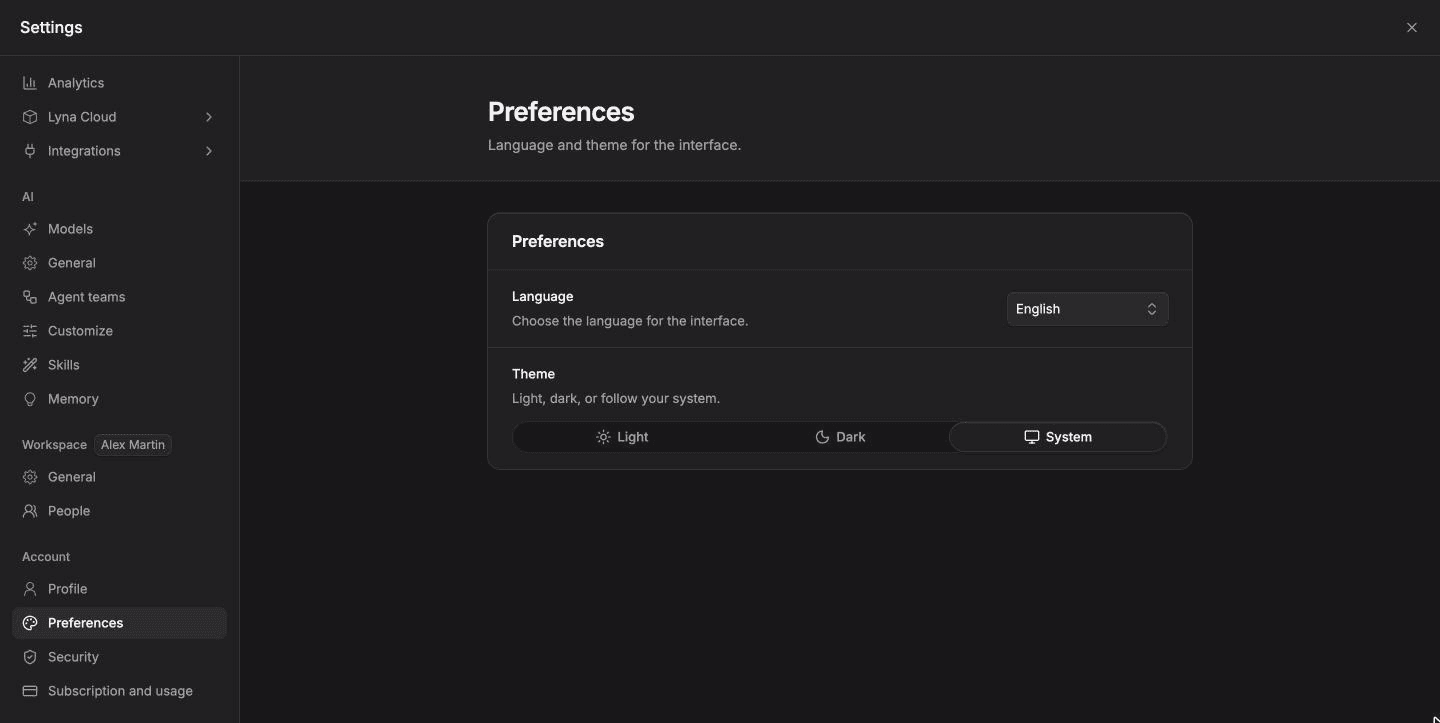
Choose the language of Lyna (English or French) and its theme (light, dark or your system's). Your choice follows you in every project.
Preferences set how Lyna looks and which language it speaks. Open Settings > Account > Preferences.
What you can do
- Switch the interface between English and French.
- Pick the Light or Dark theme, or System to follow your computer or phone.
Change the language
Pick a language under Language. Lyna reloads the page and shows every screen in that language.
Change the theme
Under Theme, choose Light, Dark or System. The change applies right away, in the editor and on every page.
The theme of Lyna is separate from the theme of the app you build. To add light and dark modes to your app, see Brand and design system.