Knowledge
The Knowledge system lets you teach the AI about your project. Define rules that enforce conventions, install skills for specialized capabilities, and write custom instructions that apply to every conversation. The AI reads all of this before responding.
Accessing Knowledge
Two ways to open the Knowledge panel:
- Click the Knowledge icon in the chat input toolbar
- Type
/knowledgein the chat input
Custom knowledge
Custom knowledge is free-form text included in the AI's system context for every conversation. Use it to communicate:
- Project context: What the app does, who the users are, the tech stack
- Conventions: Naming patterns, file organization, coding standards
- Constraints: Things the AI should never do, libraries to avoid
- Domain knowledge: Business logic, terminology, data relationships
Keep it focused. The AI reads this before every response, so brevity helps.
Example
This is a SaaS project management tool.

Stack: React 19, Next.js 16, Tailwind CSS 4, Supabase, Stripe.

Conventions:
- Use server components by default. Only add "use client" for interactivity.
- All API routes use tRPC with Zod validation.
- Database access goes through Drizzle ORM, never raw SQL.
- User-facing strings must use next-intl for i18n.

Never:
- Use Redux or Zustand (we use MobX)
- Install axios (use native fetch or tRPC)
- Add CSS modules or styled-components
Project rules
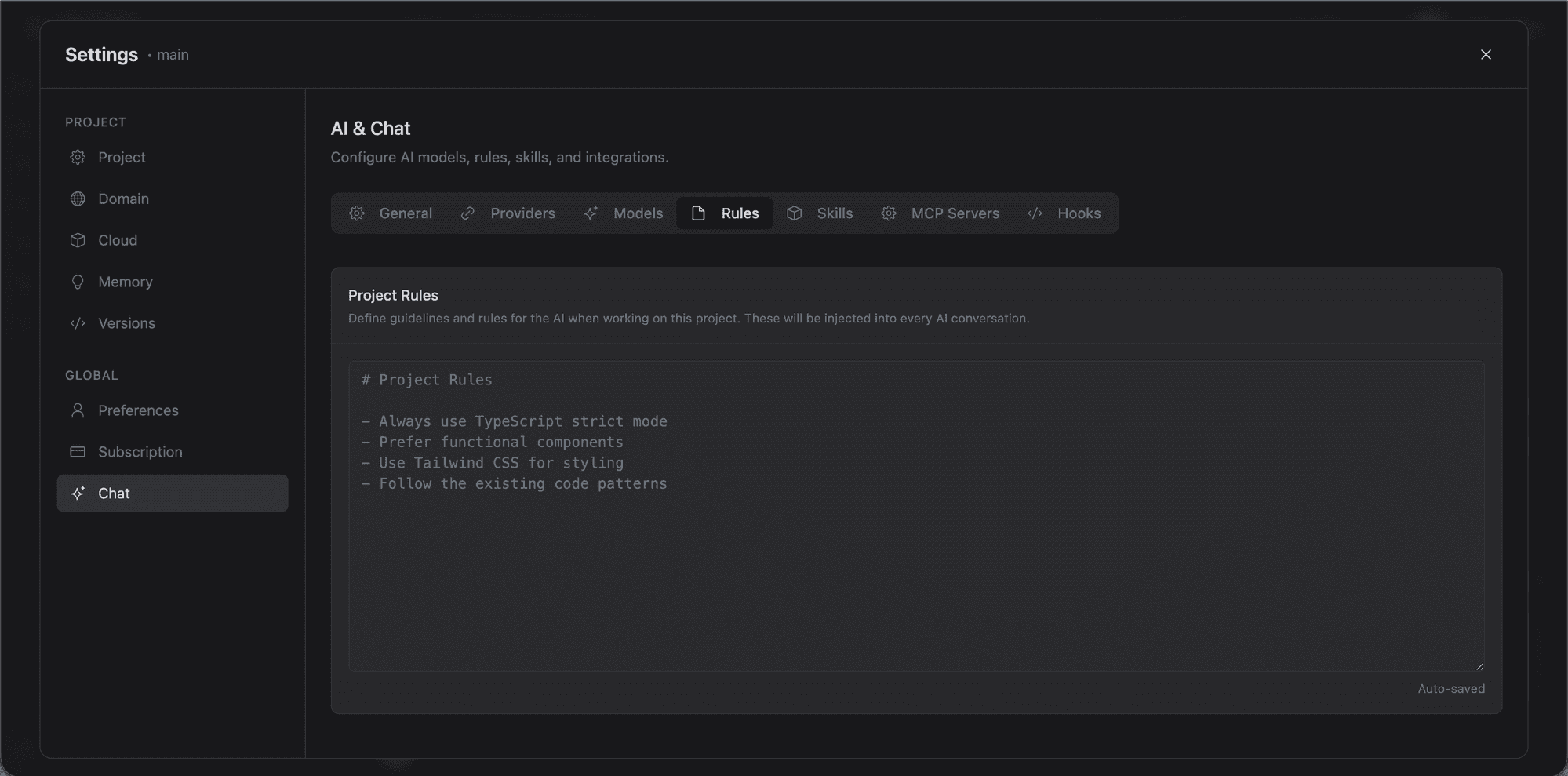
Rules are structured instructions stored in .lyna_ai/rules.md. They follow a specific format and are version-controlled with your project.
Creating a rule
Type /newrule in the chat and describe the behavior you want. The AI drafts a structured rule and saves it.
Each rule includes:
- Name: Short identifier
- Description: What the rule enforces
- Pattern: When the rule applies
- Instruction: The specific guidance
Example rule
## No Direct Database Queries

Components and API routes must never import from `drizzle-orm` directly.
All database access goes through the service layer in `src/services/`.
This ensures consistent error handling, logging, and transaction management.
Skills
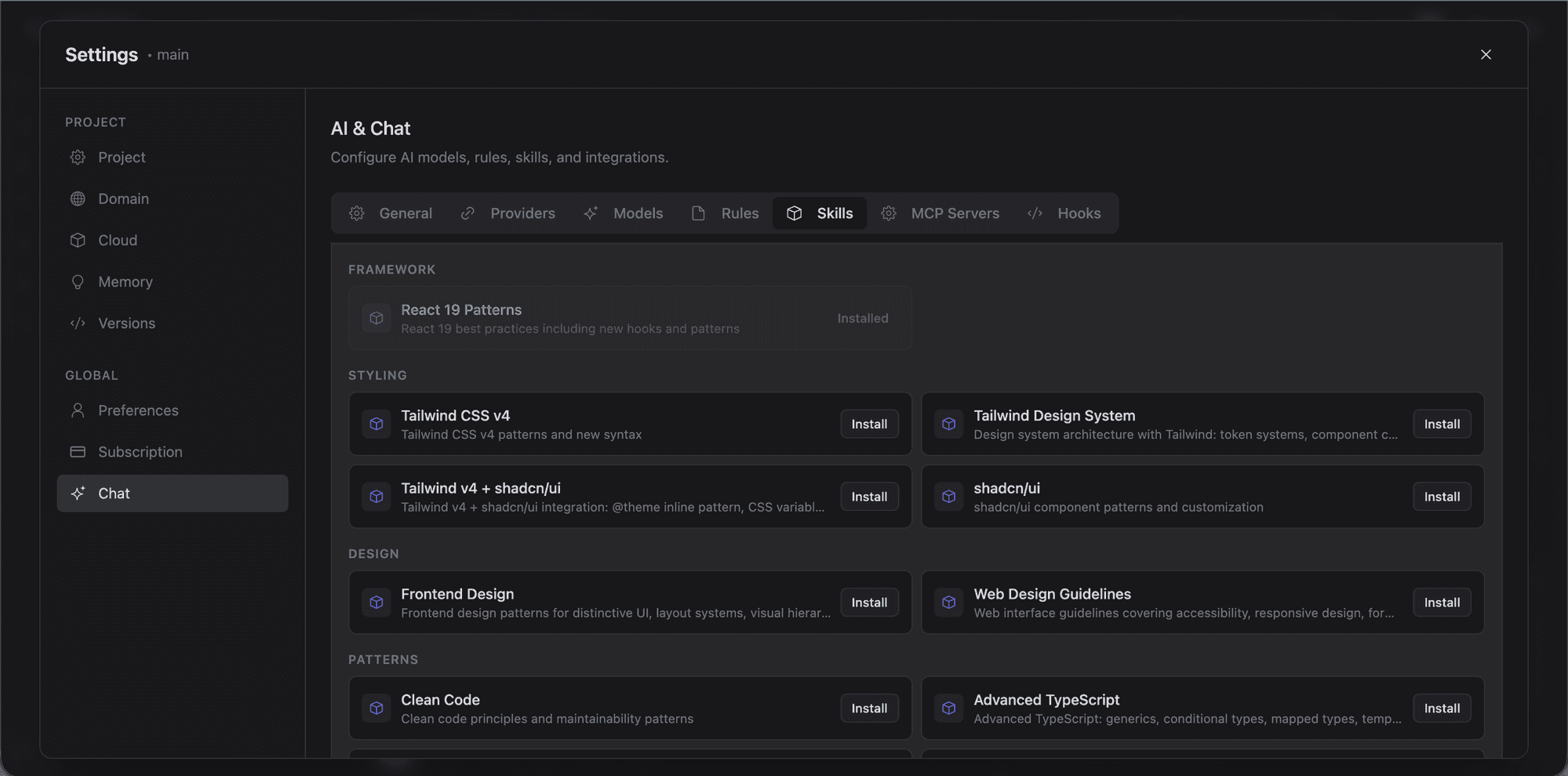
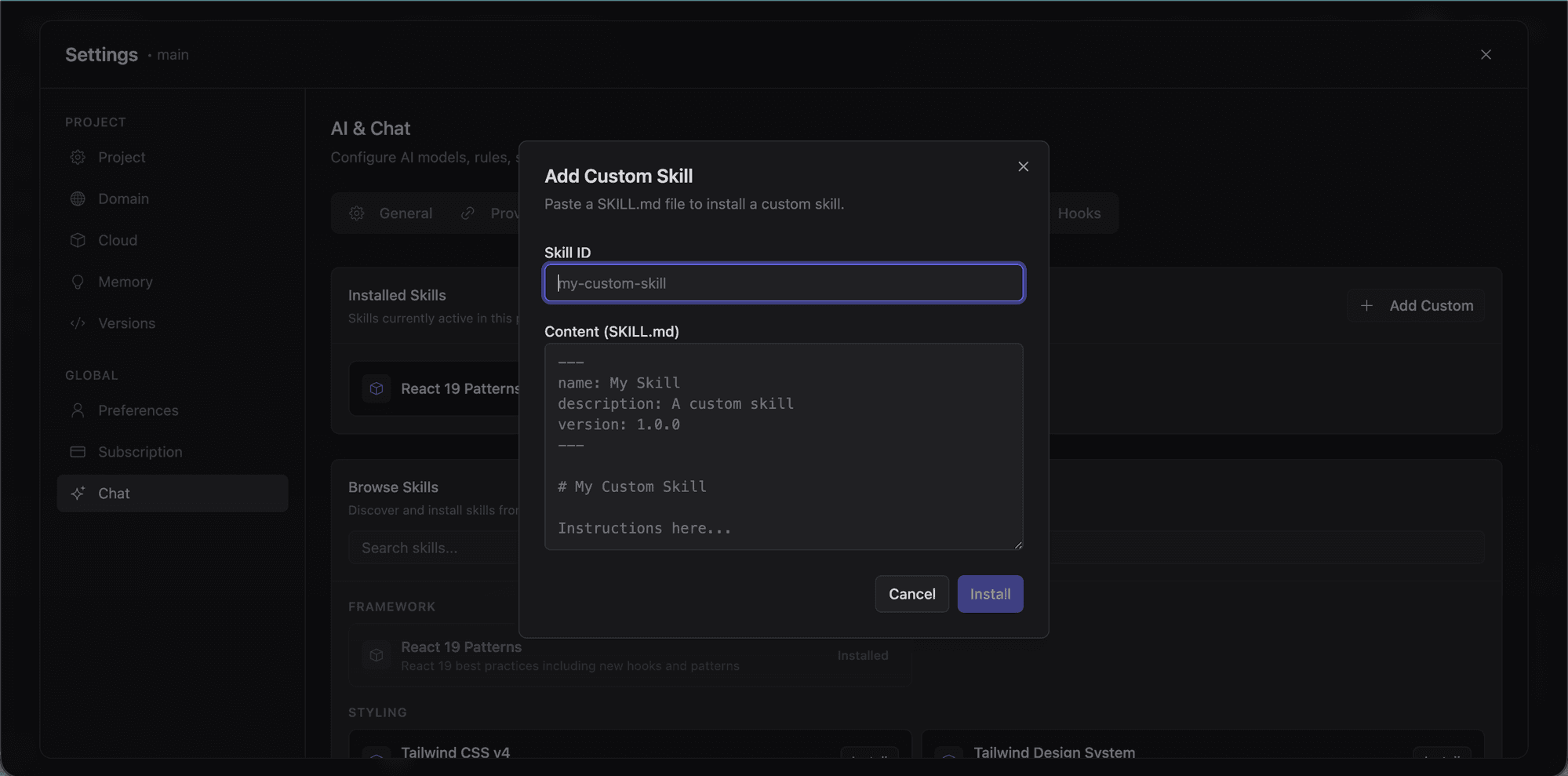
Skills are reusable AI capabilities you install in your project. They give the AI specialized knowledge for specific tasks.
Browsing skills
Type /skills to open the skills browser. View installed skills, enable or disable them, and see what each one does.
How skills work
Each skill is a file in .lyna_ai/skills/. When enabled, its content is included in the AI's context. Skills can cover component library patterns, testing strategies, deployment workflows, code review checklists, or domain-specific logic.
Managing skills from the chat
The /skills submenu shows all installed skills with names, descriptions, and toggle states.
Memory
Memory gives the AI persistent, cross-conversation context about your project and preferences. Unlike rules and skills (which are static), memories evolve as you work.
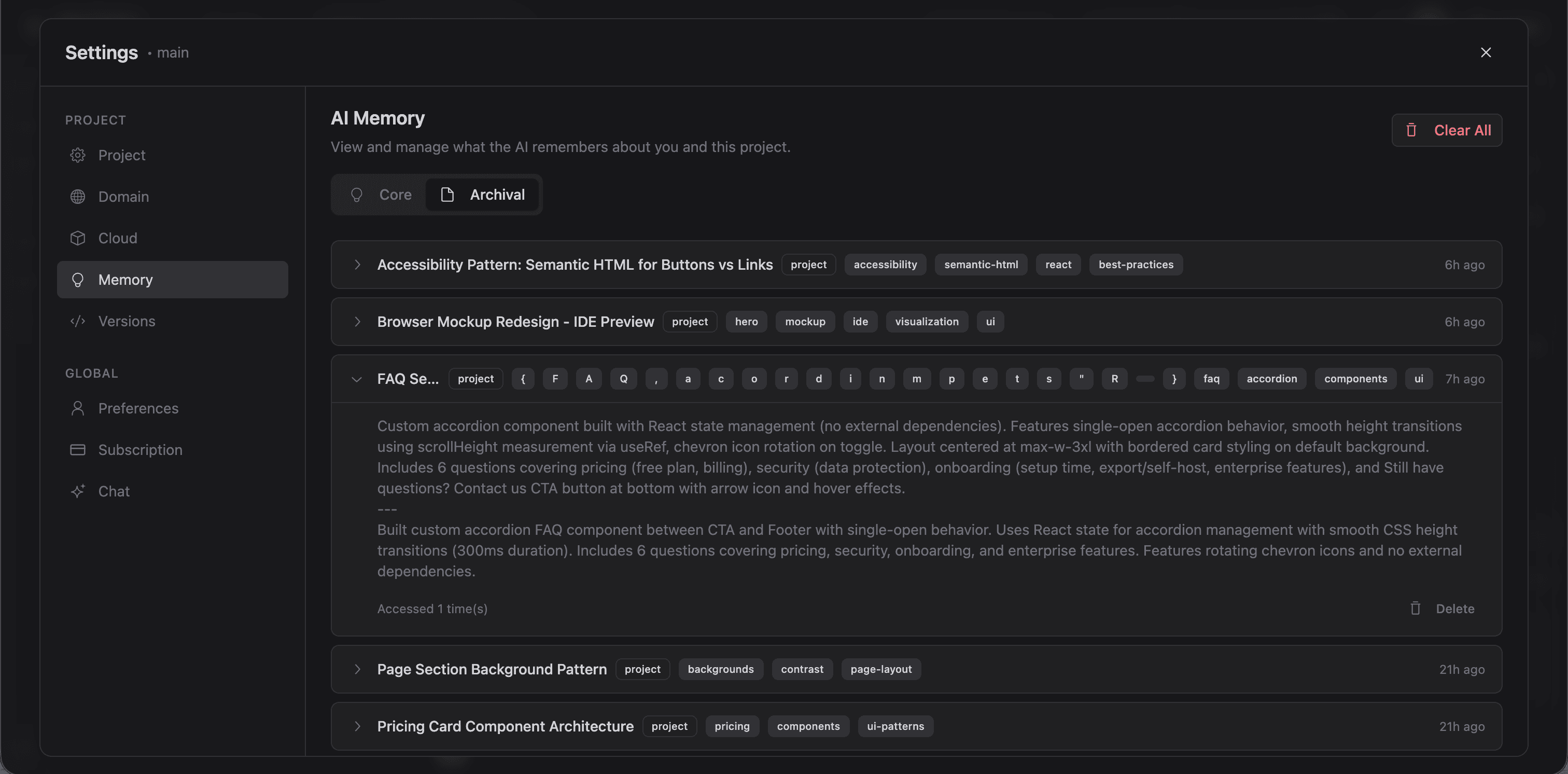
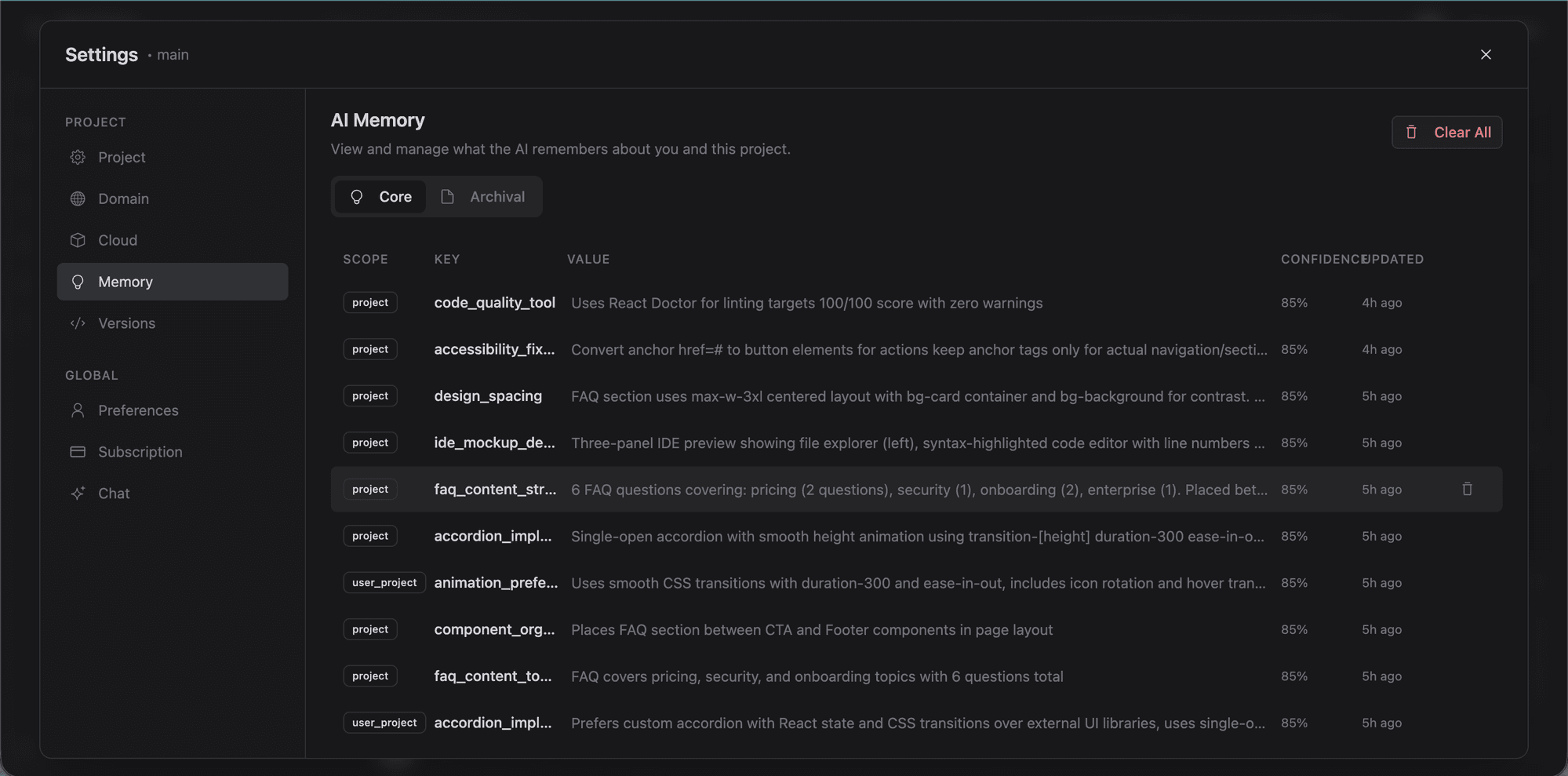
Memory scopes
- User: Your personal preferences (applies across all projects)
- Project: Context for this project (shared with collaborators)
- User + Project: Your preferences for this specific project
Memory tools
The AI has four memory tools:
- Save: Store a new memory with a scope and description
- Search: Find relevant memories by query
- View: Read a specific memory
- Update: Modify an existing memory
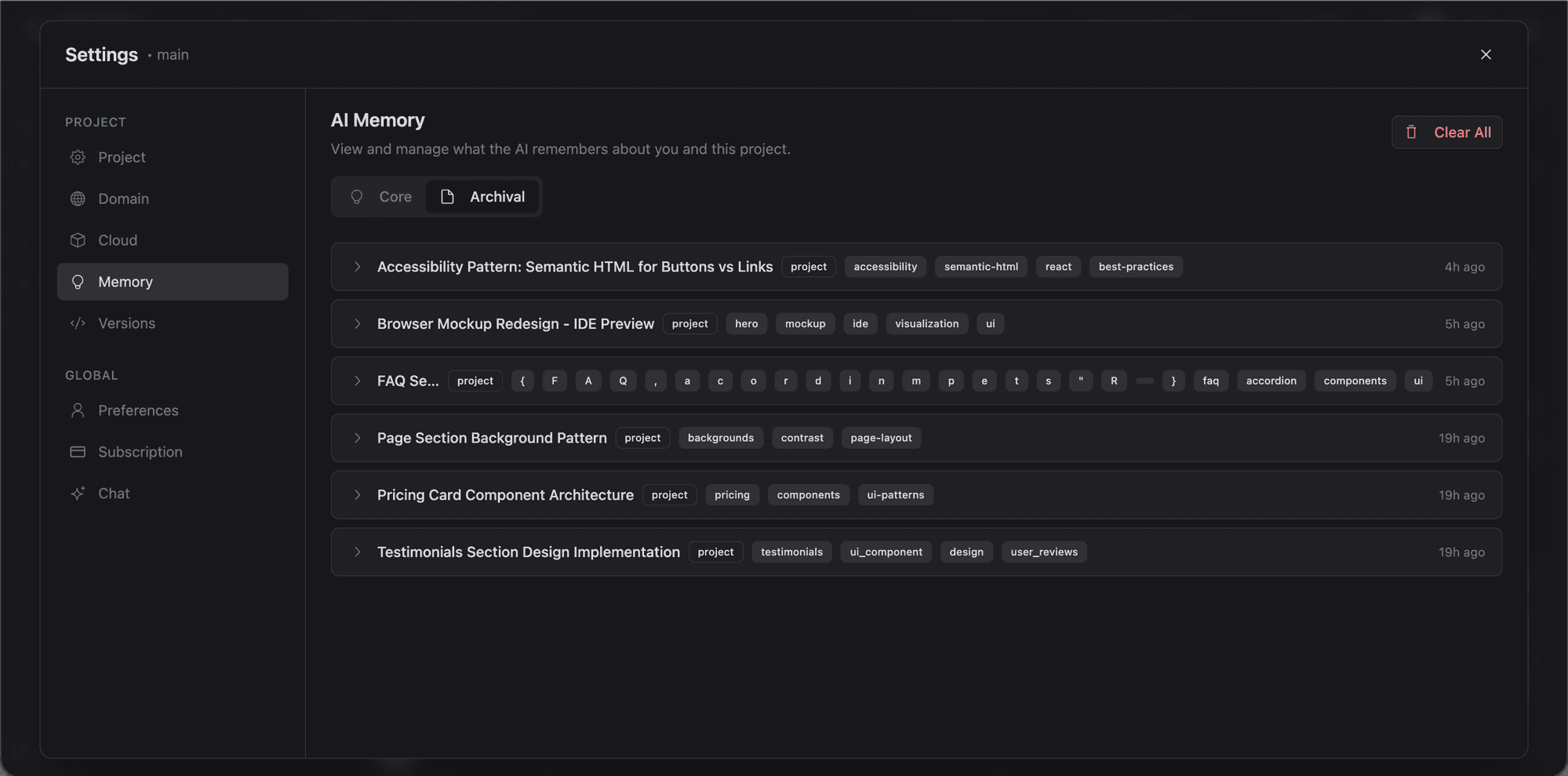
Background processing
Lyna runs a background memory system that automatically extracts, loads, and retrieves relevant memories:
- Extractor: Identifies memorable context from conversations
- Loader: Loads relevant memories at conversation start
- Retriever: Fetches specific memories mid-conversation when needed
Hooks
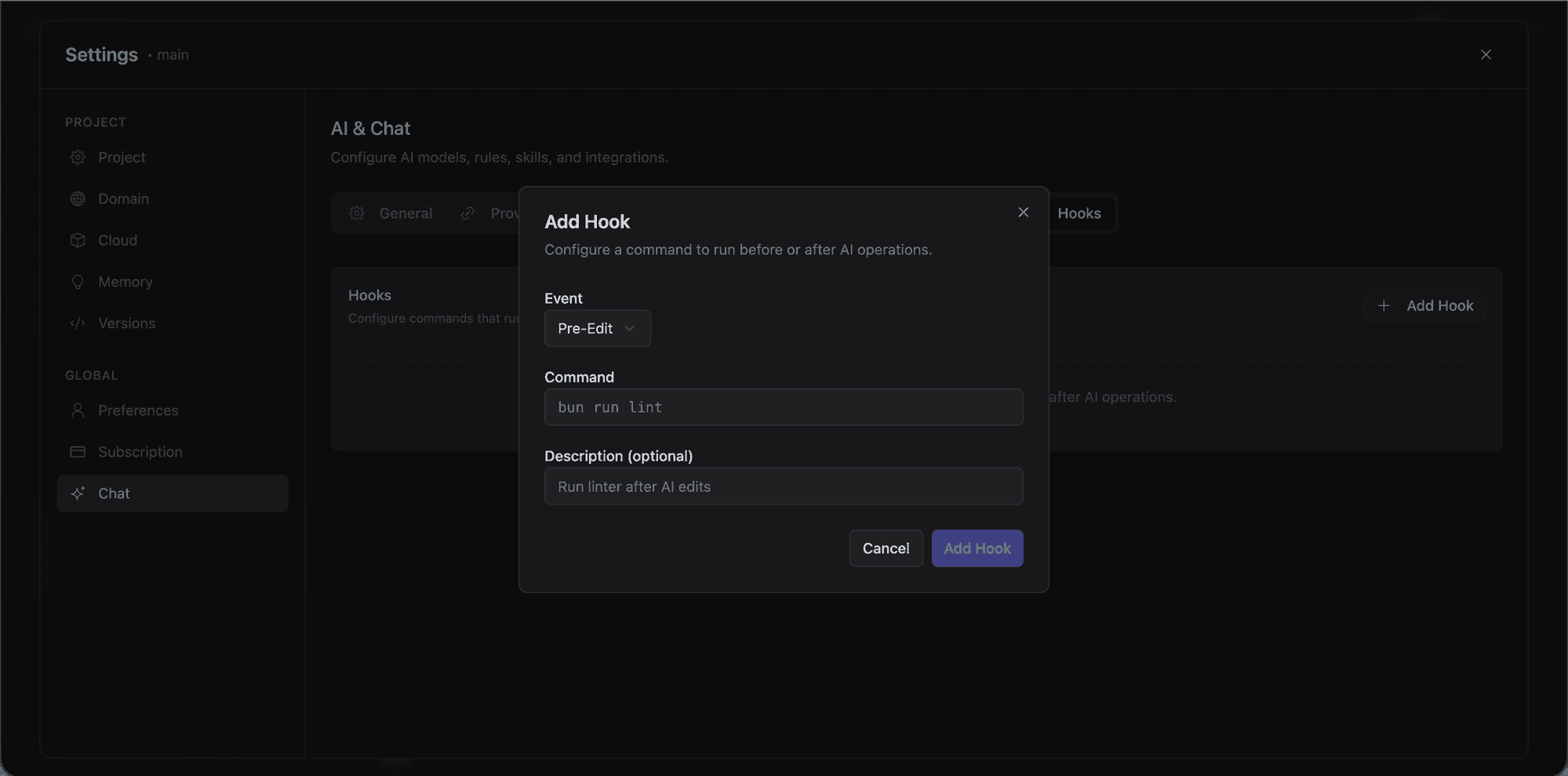
Hooks are shell commands that run automatically in response to AI events. Configure them in .lyna_ai/hooks.json.
Hook points
| Hook Point | When it runs |
|---|---|
| PreToolUse | Before the AI executes a tool |
| PostToolUse | After a tool execution completes |
| PreSend | Before the AI sends a response |
| PostSend | After a response is sent |
Managing hooks
Type /hooks in the chat to view and toggle hooks, or edit .lyna_ai/hooks.json directly.
Built-in skills
Five skills ship with every project:
| Skill | Focus |
|---|---|
| frontend-design | UI component design patterns and visual quality |
| react-patterns | Modern React 19 patterns, hooks, and composition |
| web-design | Web design principles, layout, and accessibility |
| tailwind-v4 | Tailwind CSS v4 syntax, utilities, and configuration |
| deep-planning | Multi-step architecture analysis and planning |
You can add more from .lyna_ai/skills/ or create new ones with /newrule.
How knowledge flows to the AI
When you send a message, the AI receives context in this order:
- System instructions: Lyna's built-in agent behavior
- Loaded memories: Relevant memories from the Memory system
- Custom knowledge: Your project-level instructions
- Project rules: Structured rules from
.lyna_ai/rules.md - Enabled skills: Content from
.lyna_ai/skills/ - Active hooks: Hook configuration from
.lyna_ai/hooks.json - Conversation context: Selected elements, file references, errors
- Your message: The actual request
Tips
- Start simple: A few sentences of custom knowledge is enough at first. Add more as you notice gaps.
- Be prescriptive: "Always use semantic color tokens like
bg-background" is more useful than "We have a theming system." - Update regularly: Keep knowledge in sync with your project as conventions change.
- Use rules for enforcement: If something must always (or never) happen, make it a rule.
- Let memory accumulate: The AI learns your preferences over time. You don't need to repeat instructions across conversations.