AI Providers
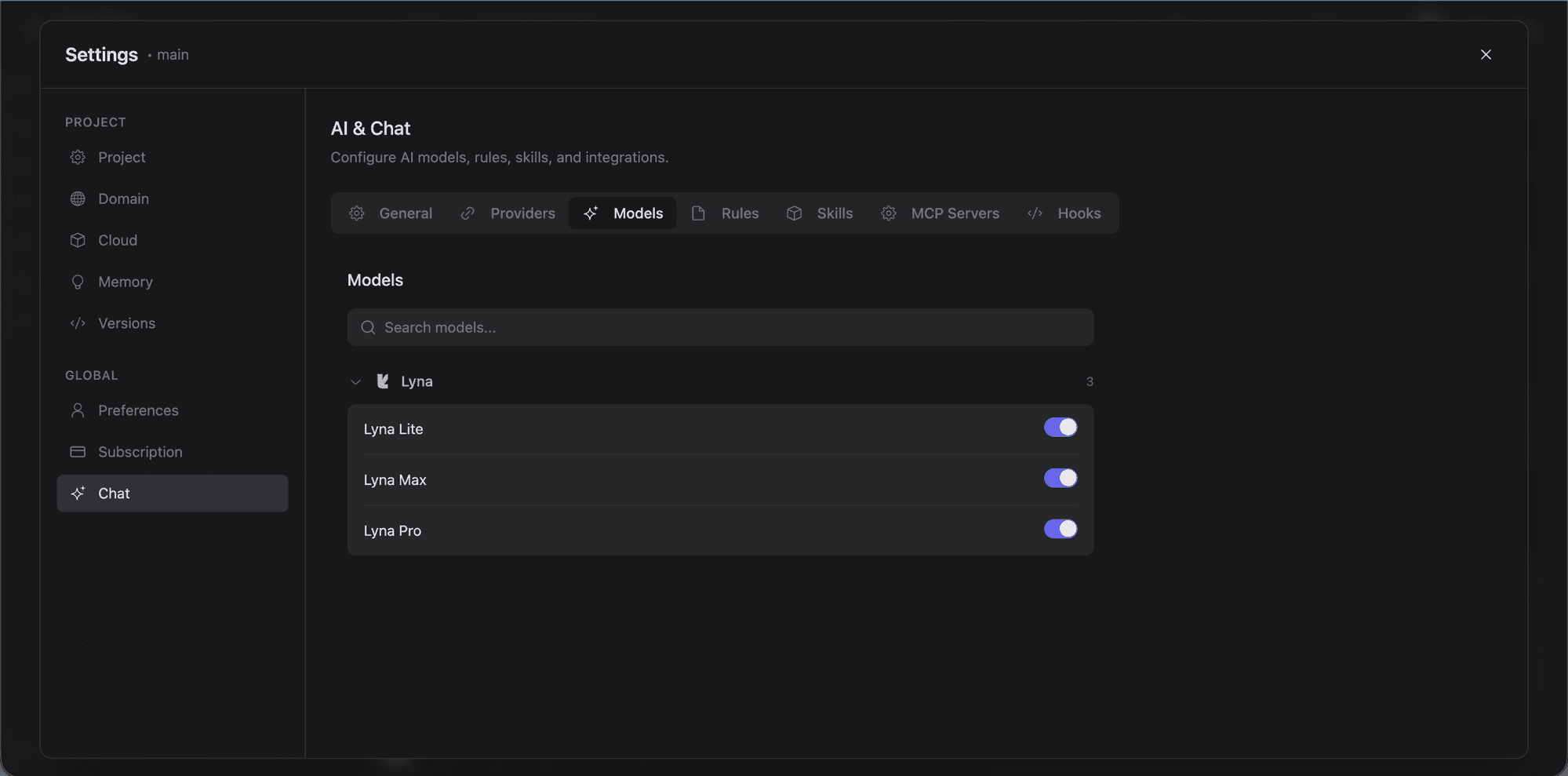
Lyna supports multiple AI providers. Pick the model that fits your task, use built-in Lyna models with included credits, or plug in your own API key.
Built-in Lyna models
Every project comes with three built-in models:
| Model | Best for | Credits |
|---|---|---|
| Lyna Lite | Fast everyday tasks, simple edits | 1x multiplier |
| Lyna Pro | Complex features, multi-file changes | 2x multiplier |
| Lyna Max | Architecture, large refactors, hard problems | 3x multiplier |
No API key setup needed. The credit multiplier is relative cost: a Lyna Max message uses 3x the credits of the same message on Lyna Lite.
Supported providers
Anthropic
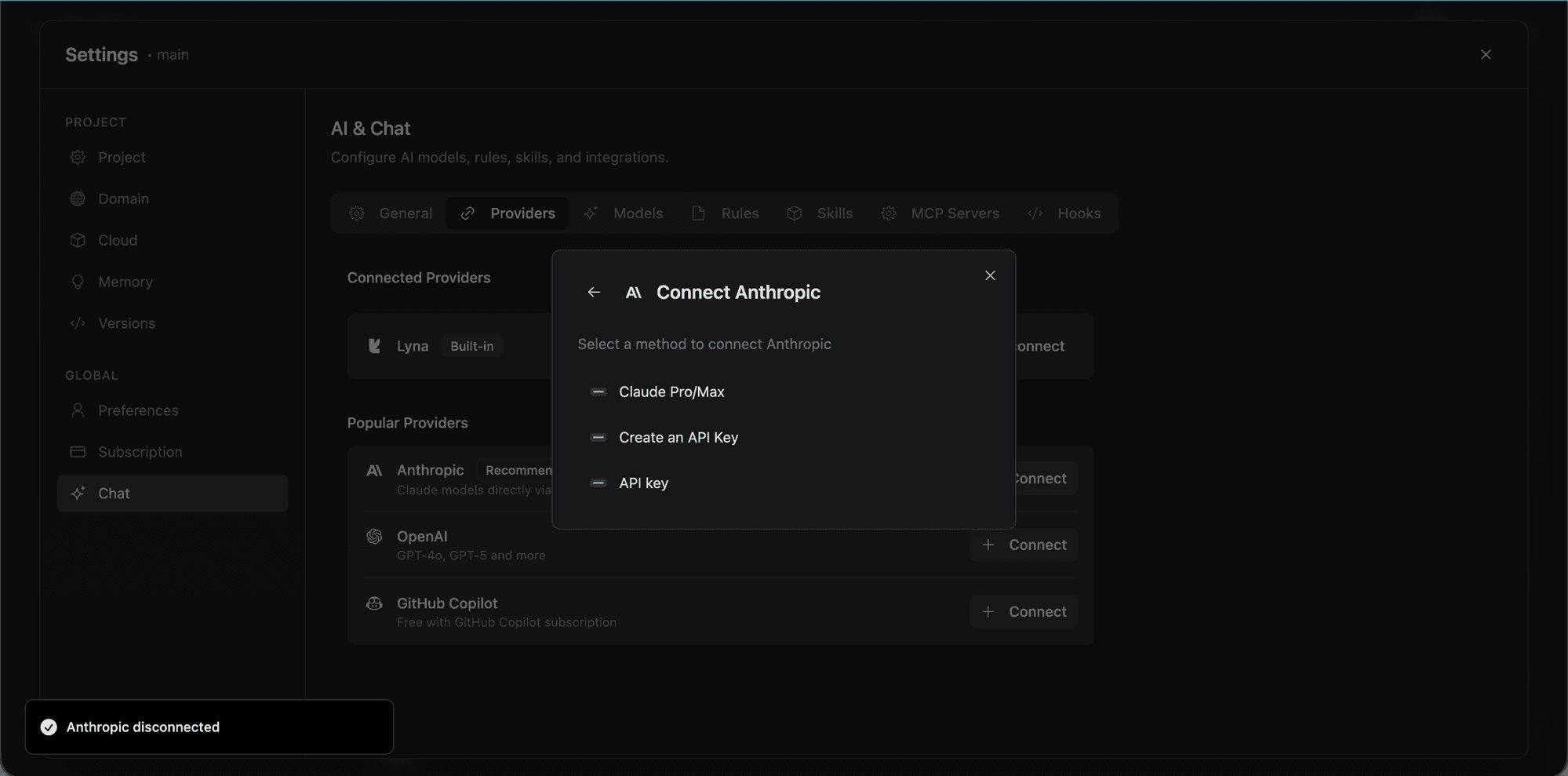
Direct access to Claude models via two methods:
- Claude Pro/Max subscription: Connect via OAuth with your existing Anthropic subscription
- API key: Use a standard Anthropic API key
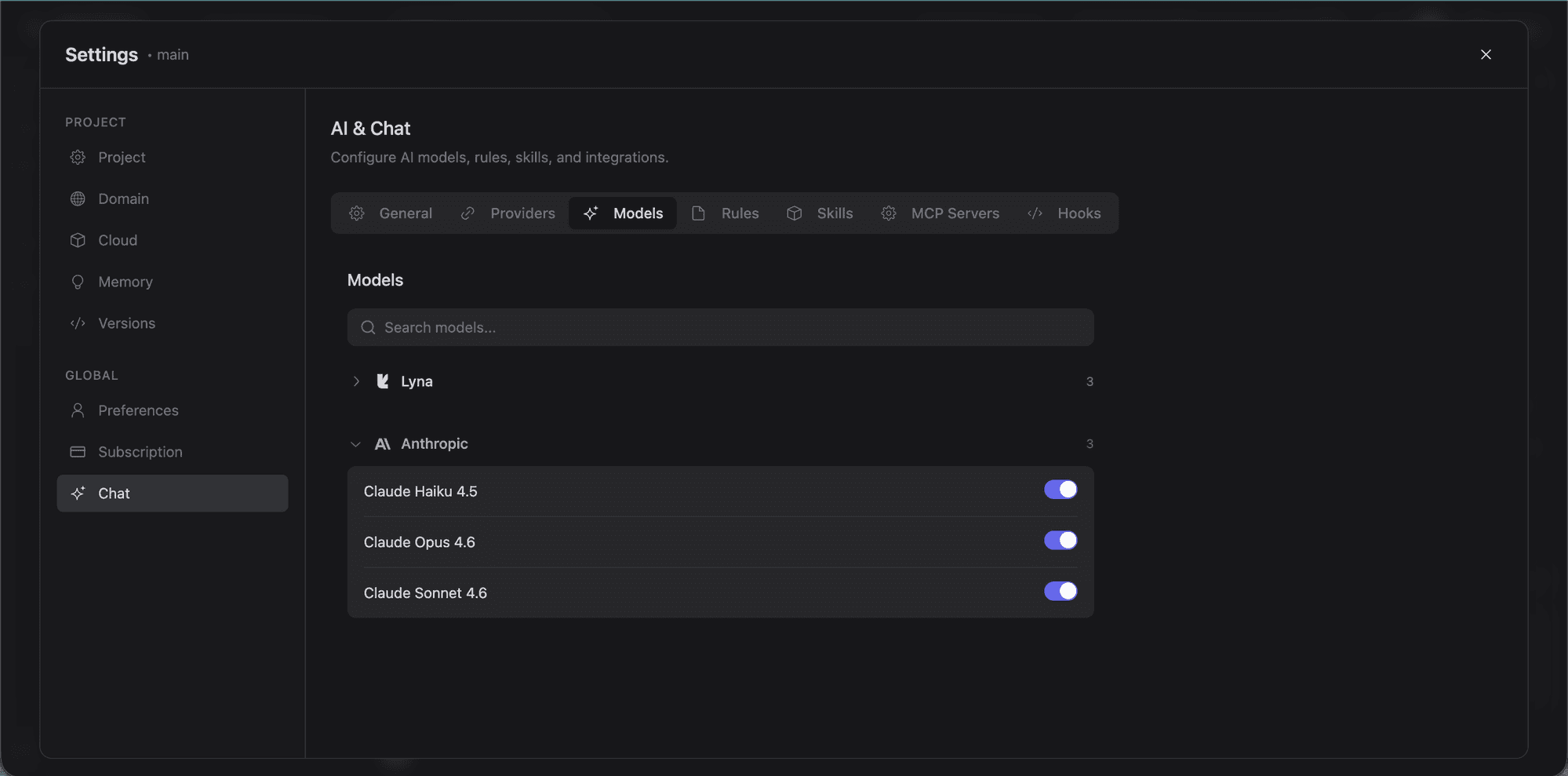
Available models include Claude Opus 4.6 (1M context), Claude Sonnet 4.5, and Claude Haiku 4.5.
OpenAI
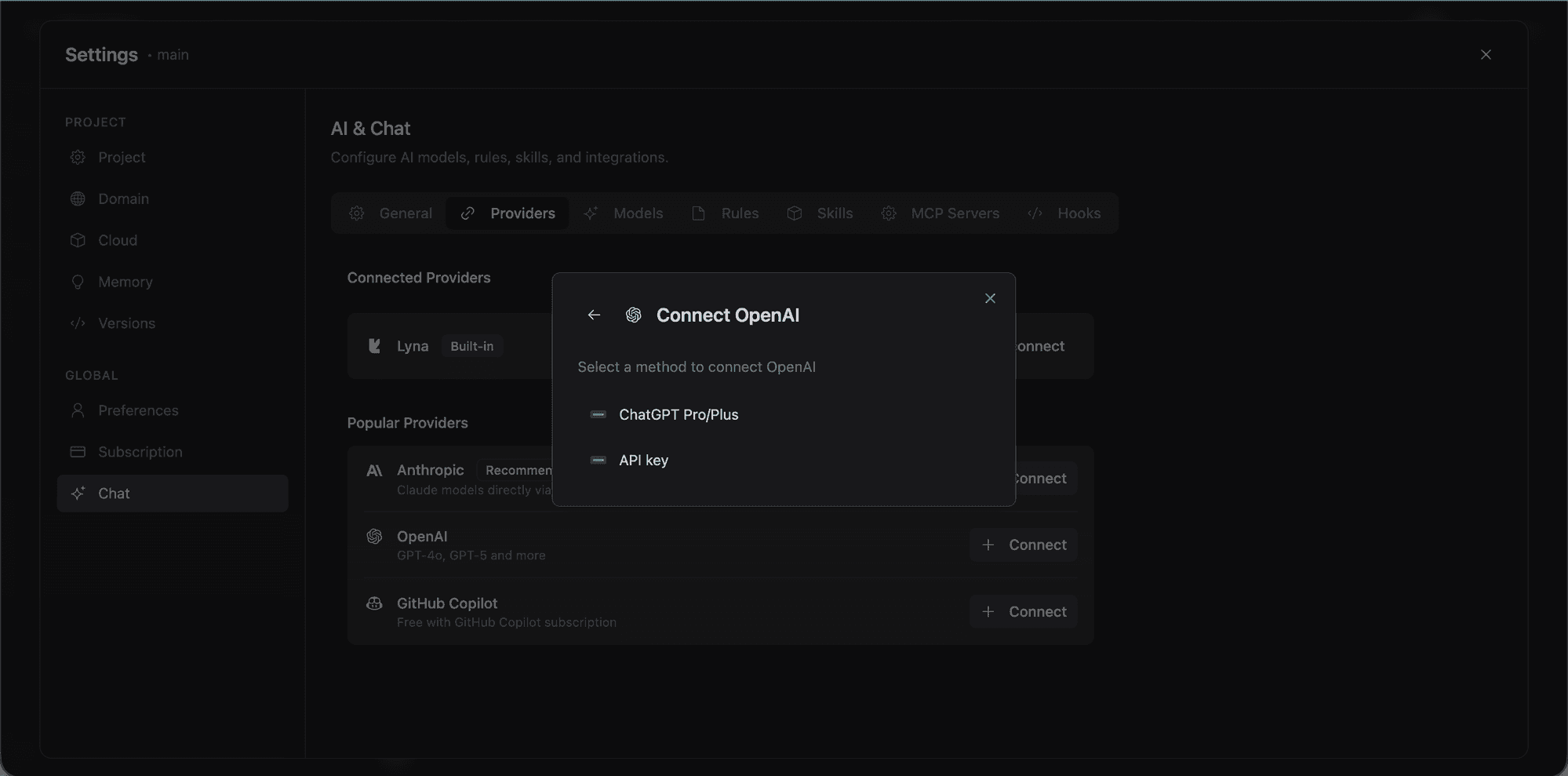
Access GPT and Codex models via two methods:
- ChatGPT Pro/Plus subscription: Connect via OAuth device flow
- API key: Use a standard OpenAI API key
Available models include GPT-5 Codex, Codex Mini, and the GPT-5.x series. Custom base URLs are supported for proxy setups.
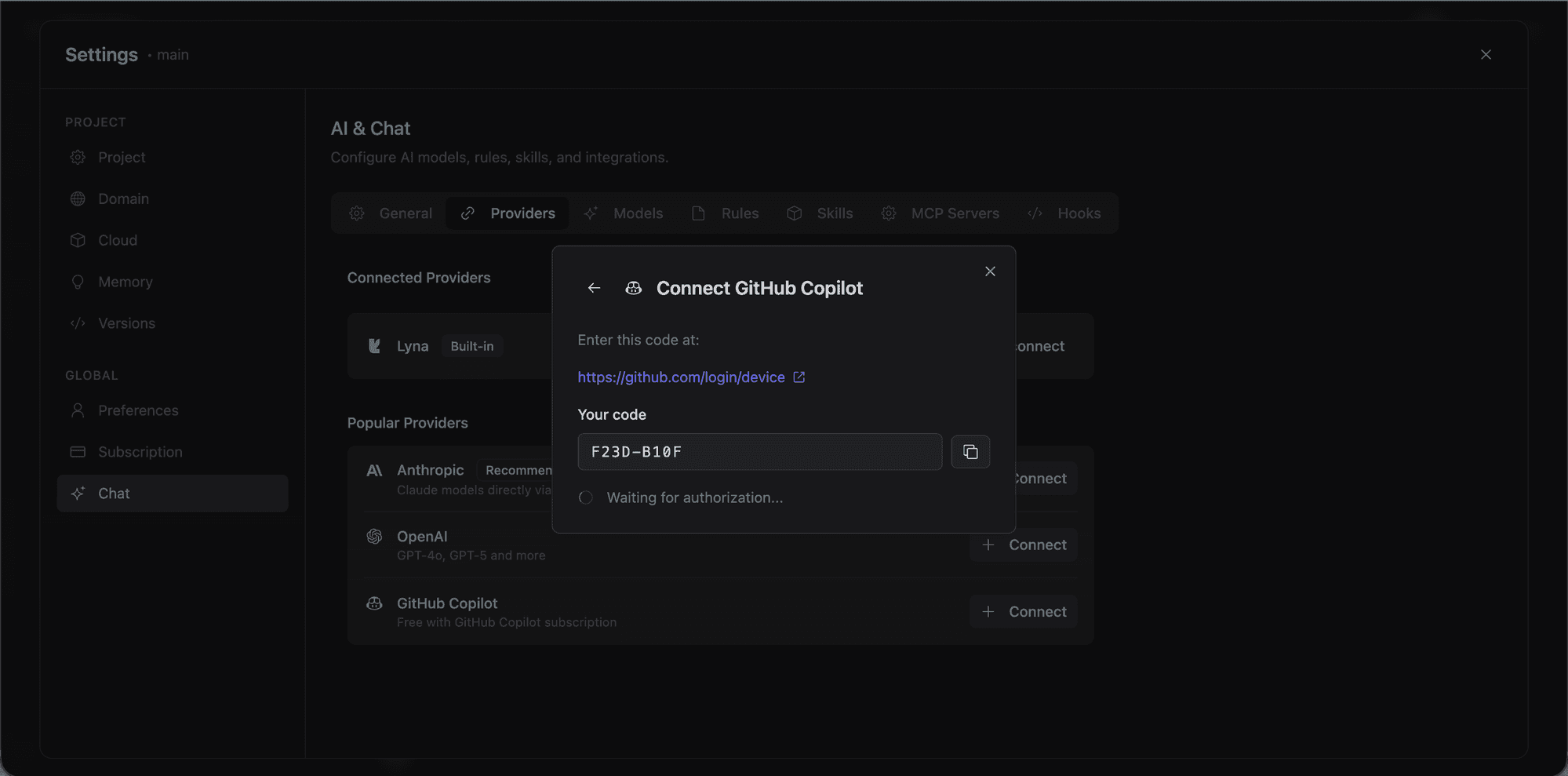
GitHub Copilot
If your org already has Copilot subscriptions, this is the easiest option. Connect via OAuth device flow to access:
- Claude Opus 4.6, Claude Sonnet 4.5
- GPT-5, GPT-5 Mini
- Gemini 2.5 Pro
No extra API key management required.
Bring Your Own Key (BYOK)
All providers support API key authentication. Custom base URLs work with OpenAI and compatible endpoints, so you can connect self-hosted models or enterprise API gateways.
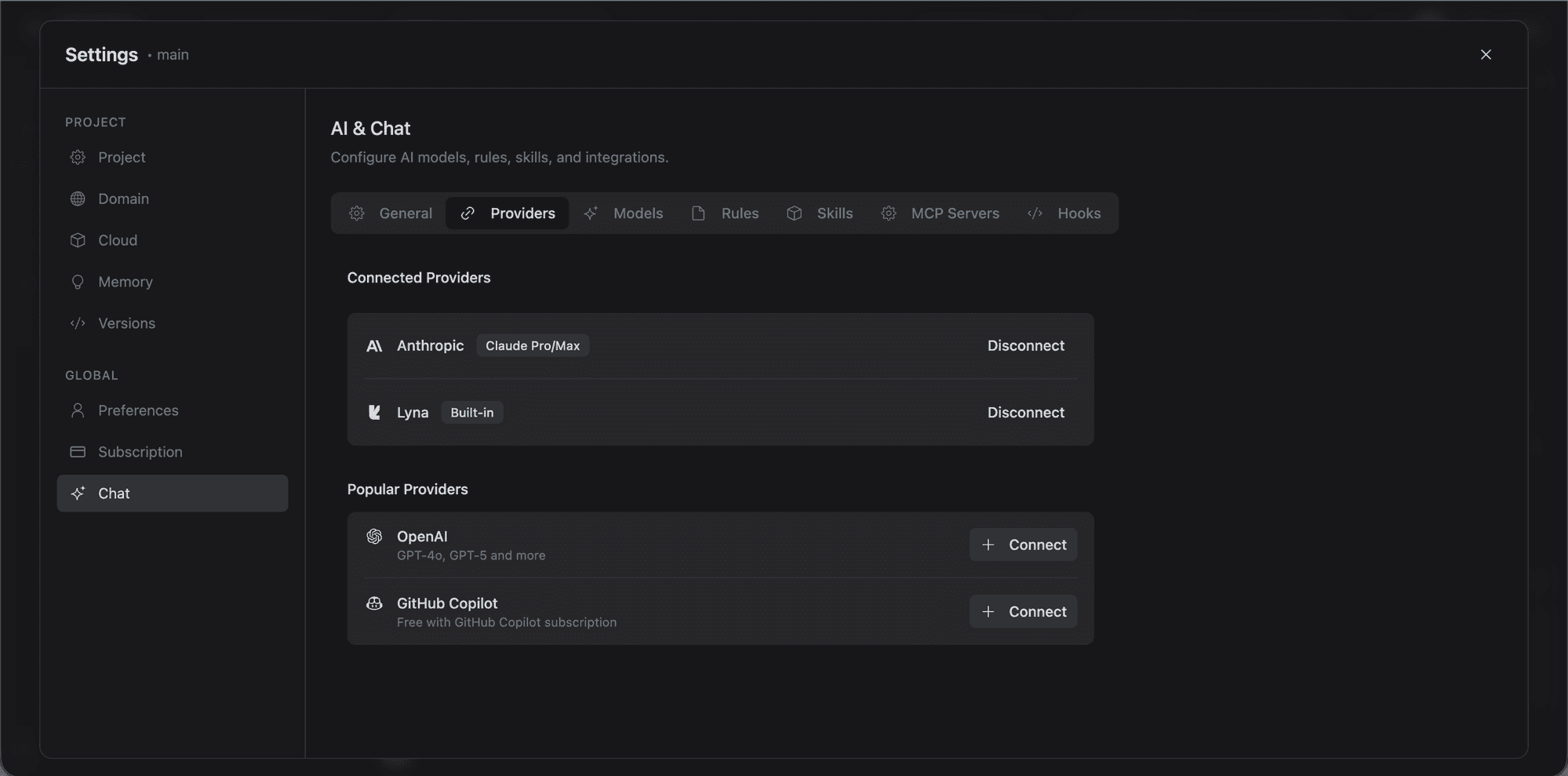
Connecting a provider
- Open the Model Selector in the chat input area
- Click Manage Models at the bottom
- Find your provider
- Choose the connection method:
- OAuth: Click the login button and authenticate
- API Key: Paste your key and save
- The provider's models now appear in the model selector
Connected providers show a green checkmark. You can disconnect at any time.
Lyna Credits vs. your own key
The model selector has a toggle between Lyna Credits and your connected provider:
- Lyna Credits: Billed against your plan's included credits. Works with Lyna Lite, Pro, and Max.
- Your API Key: Billed directly to your provider account. Gives you access to the full model catalog without credit limits.
When credits run out (daily, monthly, or fully consumed), the selector notifies you and prompts you to switch to your own key or upgrade.
Model capabilities
Each model in the selector shows:
- Speed: Response generation speed (1-5 scale)
- Intelligence: Reasoning and code generation quality (1-5 scale)
- Token usage: Typical token consumption (1-5 scale)
- Pricing: Cost per million tokens (input and output)
- Context window: Maximum tokens per conversation
- Features: Tool use and vision support
Recently used models
The selector remembers your recent models and shows them at the top. Your last-used model is saved per-project, so reopening a project restores your preference.
Tips
- Start with Lyna Lite for quick edits. It's fast and cheap.
- Use Lyna Pro for most development work. Good balance of quality and cost.
- Reserve Lyna Max for complex architecture, large refactors, or when the other models aren't cutting it.
- Connect your own key to bypass credit limits and access provider-specific models.
- GitHub Copilot is often simplest for teams that already have subscriptions.